3-8
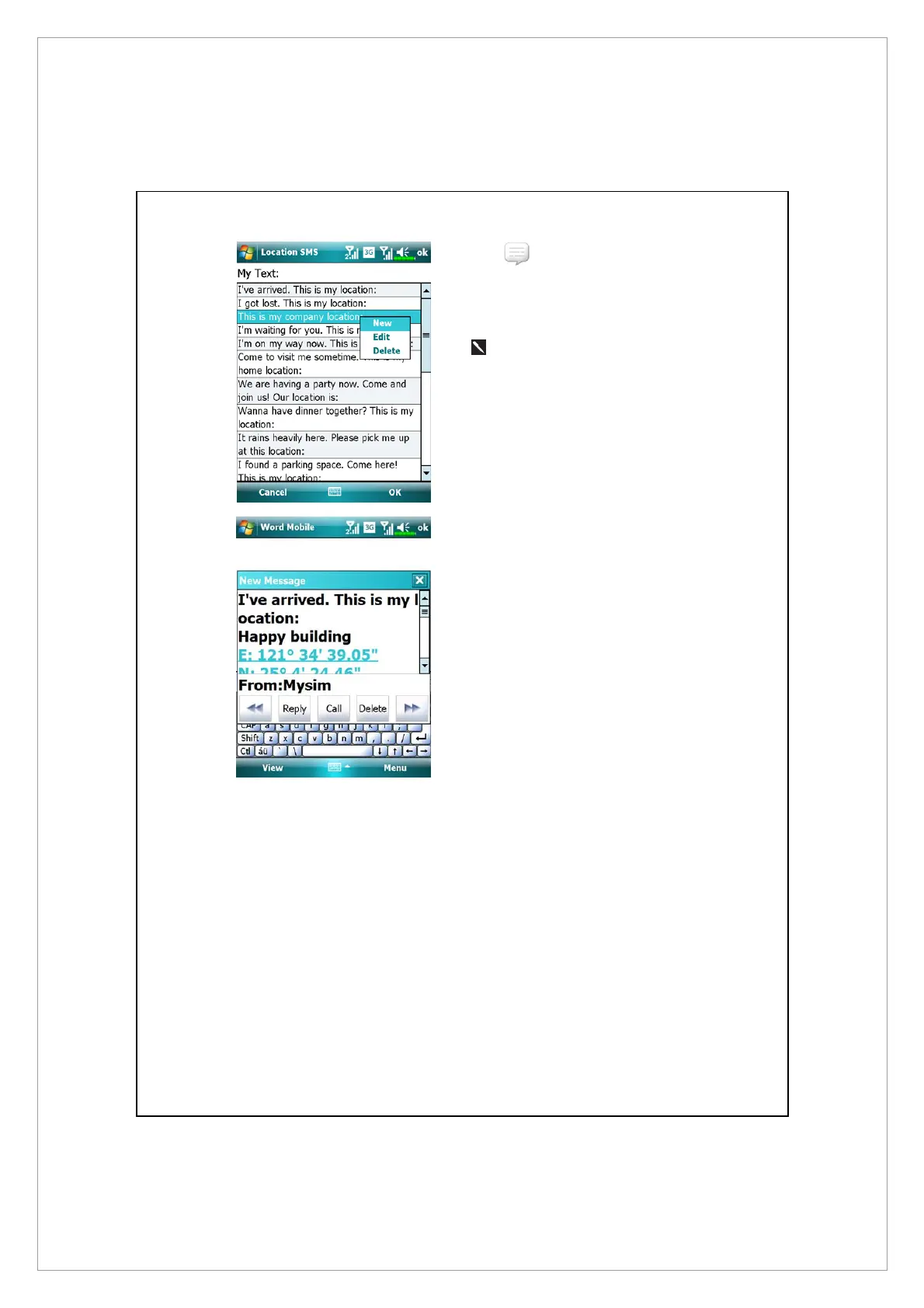
1. Select in the main screen,
once in the screen shown on the
left, tap on any message and tap
OK button to select.
2.
Further, by pressing and
holding anywhere on the screen,
together with the pop-up menu,
you can add, edit or delete your
most used messages.
3. The content of the message that
your recipient views looks similar
to what is shown on the left.
Actual messages differ depending
on the recipient’s device.



 To Next Page