Using the Phone 4-7
Note
If only one SIM number on your device is activated, this number will be the
primary number when you make calls, and Phone Dialer Selection is thus
enabled.
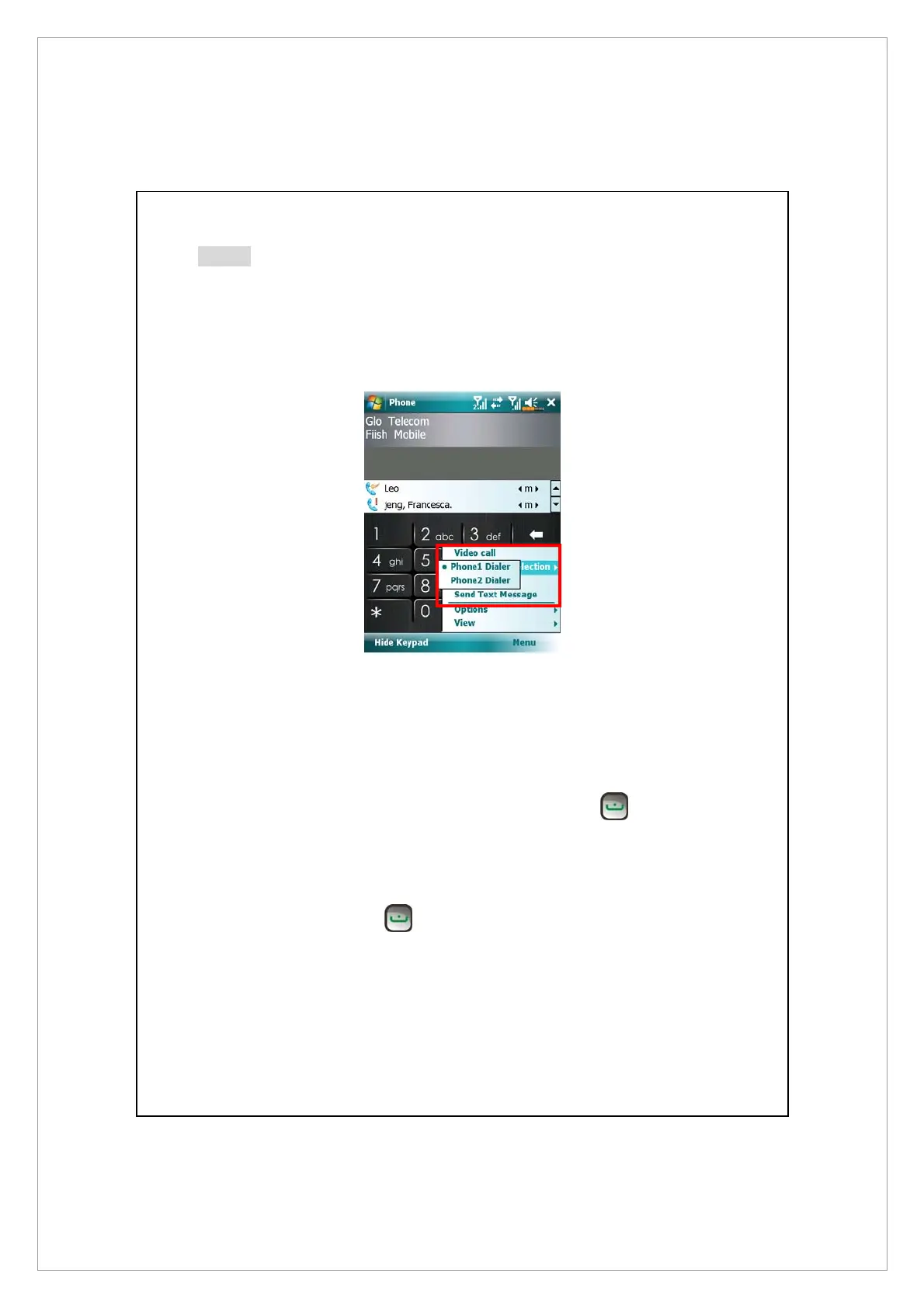
Making a call on either number
You can always select your desired number to make a single call at will. If
selected, the service provider name of this number will turn orange on the
Today screen. Next time you place a call by directly pressing
in certain
applications such as Contacts, Call History, Speed Dial or Messaging, this call
will be made on this selected number.
On the Today screen, press
to enter Phone screen.
On Phone screen, after entering a telephone number or choosing a contact, you
can make a call on either number by:



 To Next Page