Using the Phone 4-9
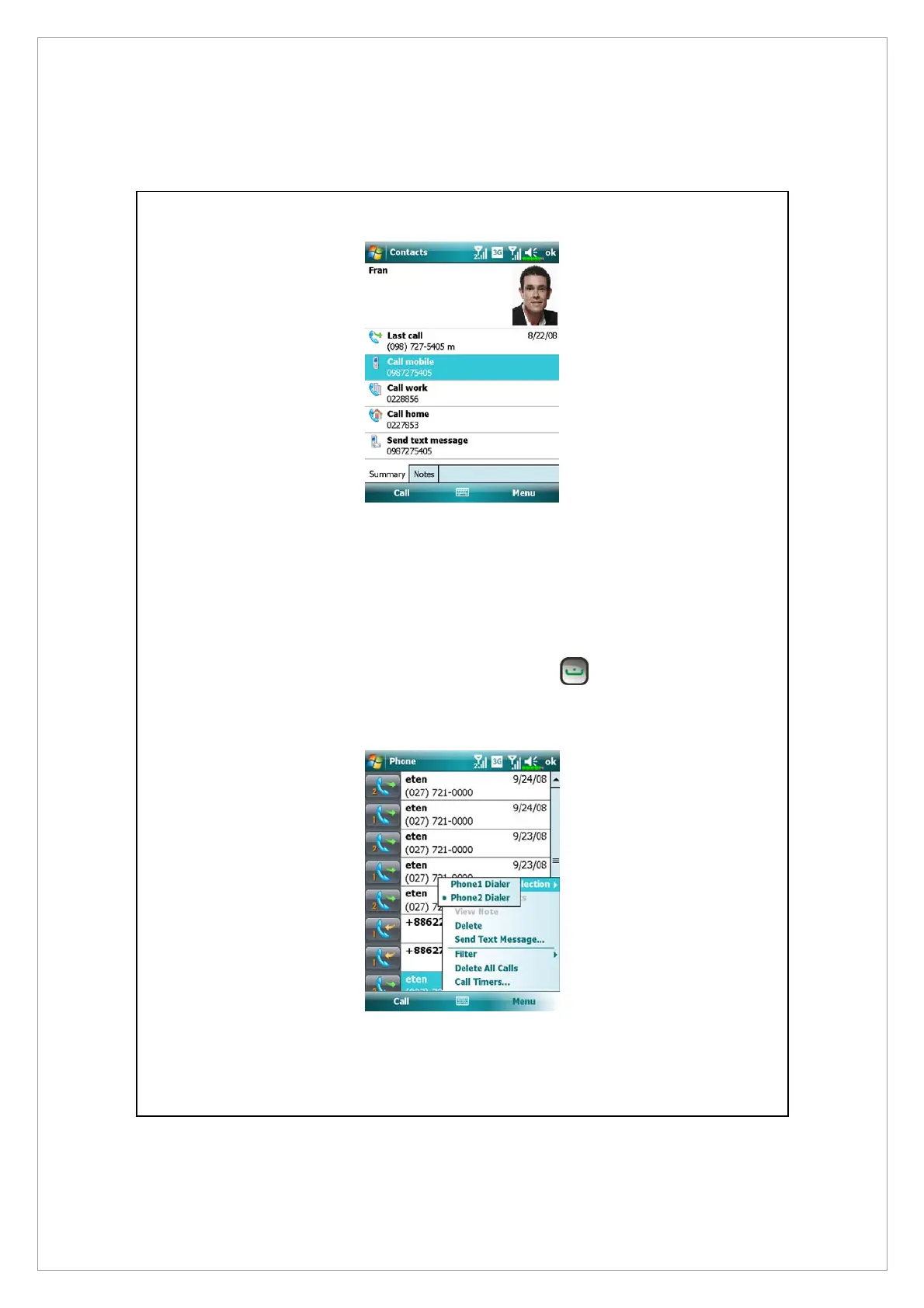
Making a call from Call History
On the Phone screen, tap Call History .
1. To sort out call entries by different methods, tap Menu and then Filter to list
the categories.
2. Find the number you wish to call, tap Call or press
to call using the
current selected number. You can tap Menu > Phone Dialer Selection to
change the current selected number.



 To Next Page