Error Procedures
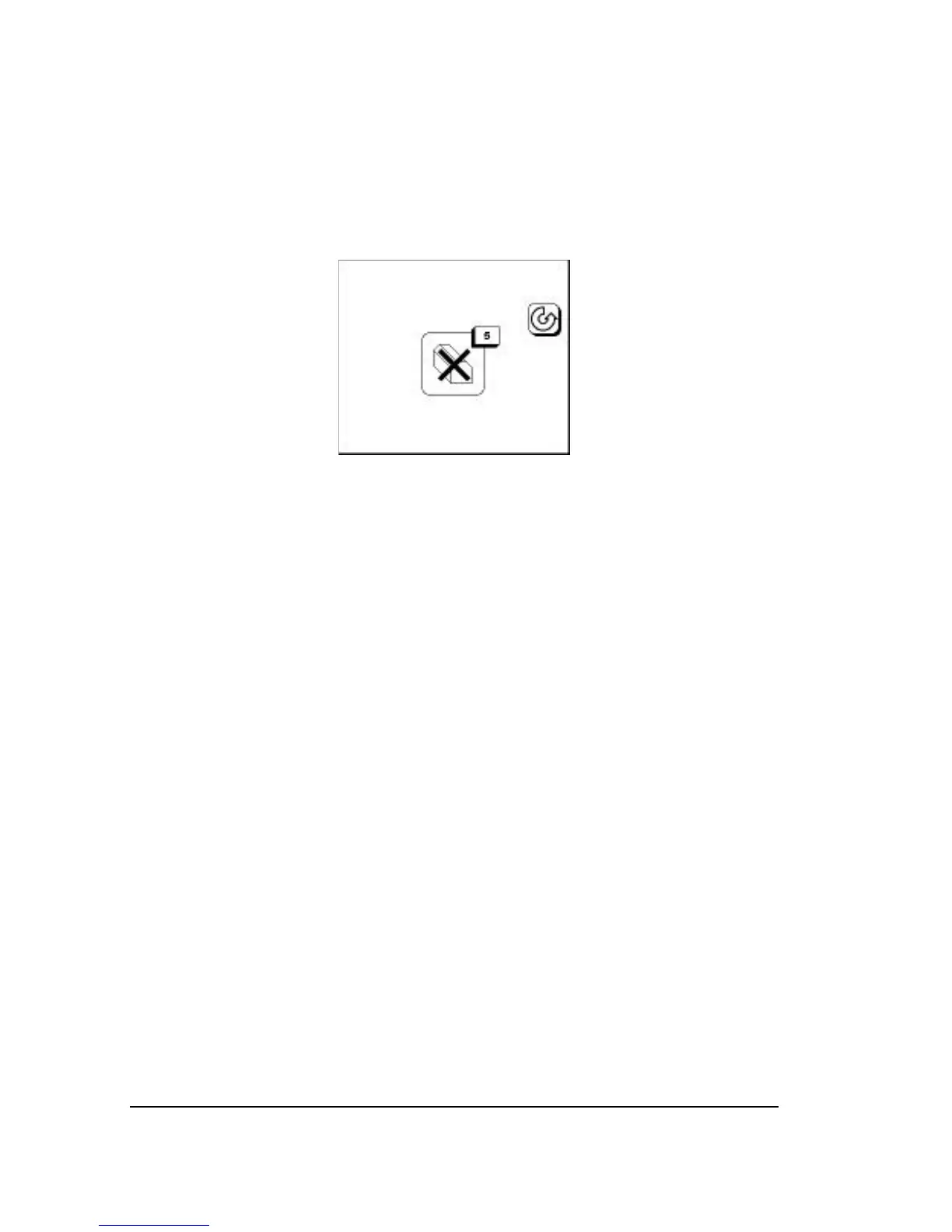
When an error occurs, media, job, and engine status icons are replaced
with an error icon. For example, the control panel looks like this when
reporting error 5, No Take-up Cassette:
Clearing Errors
Step 1: Identify the error message, then press Pause.
Step 2: Correct the problem and continue.
Resetting
To correct some errors, you need to reset the system.
Step 1: Turn the imagesetter off and let it remain idle for a few min-
utes.
Step 2: Restart the imagesetter. You may also need to reboot the RIP
before you can continue.
6–2
•
SelectSet Avantra User Guide



 To Next Page