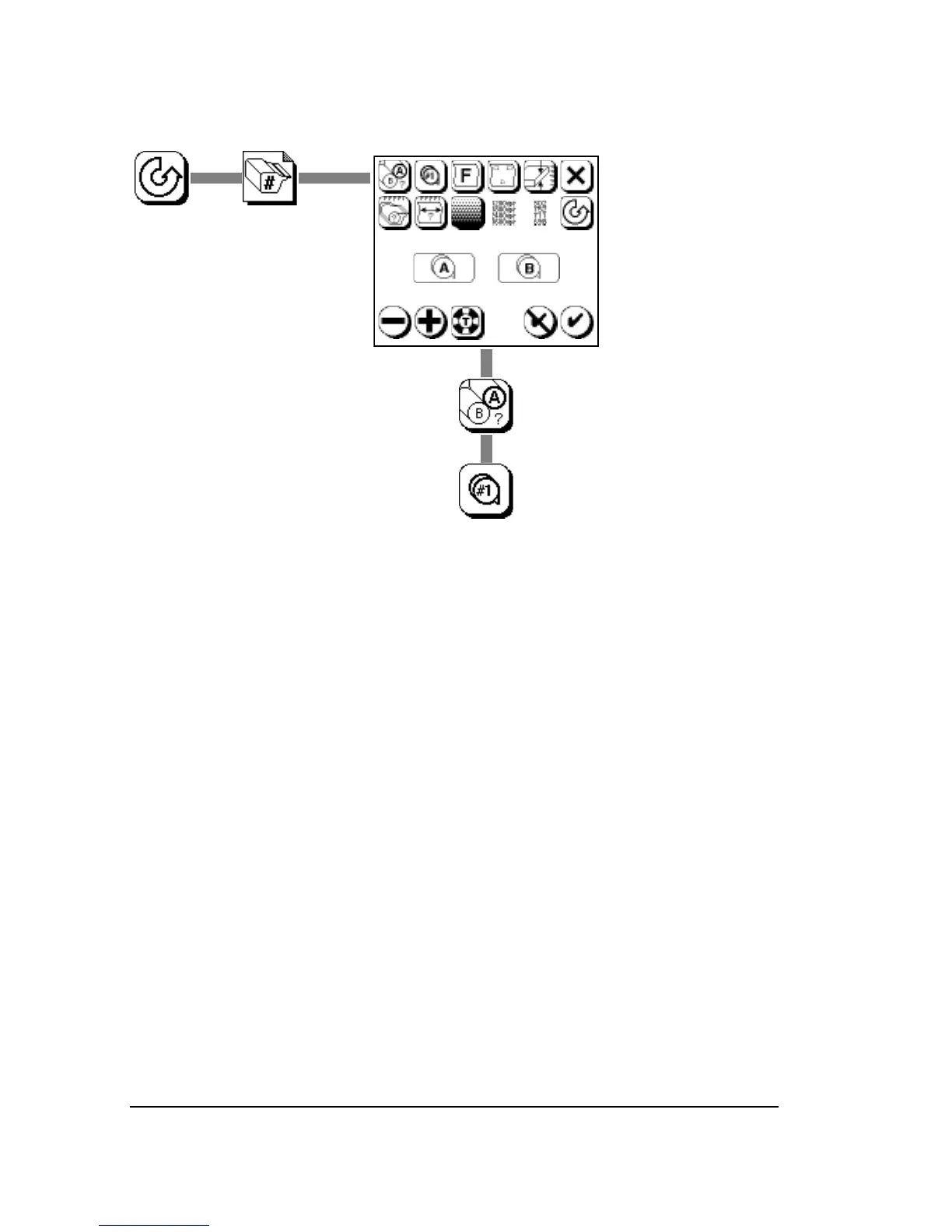
Specifying a Cassette Number
After you select a cassette number, all parameters you change affect
that cassette.
You can change or examine parameters for a cassette that is not cur-
rently installed in the imagesetter.
On imagesetters with the optional DualSupply cassettes, you cannot
assign the same cassette number to both supplies. For example:
• Cassette 1 is specified as Supply A.
• You select Supply B.
• You can specify cassettes 2, 3, 4 or 5 for Supply B.
• You cannot specify cassette 1 for Supply B.



 To Next Page