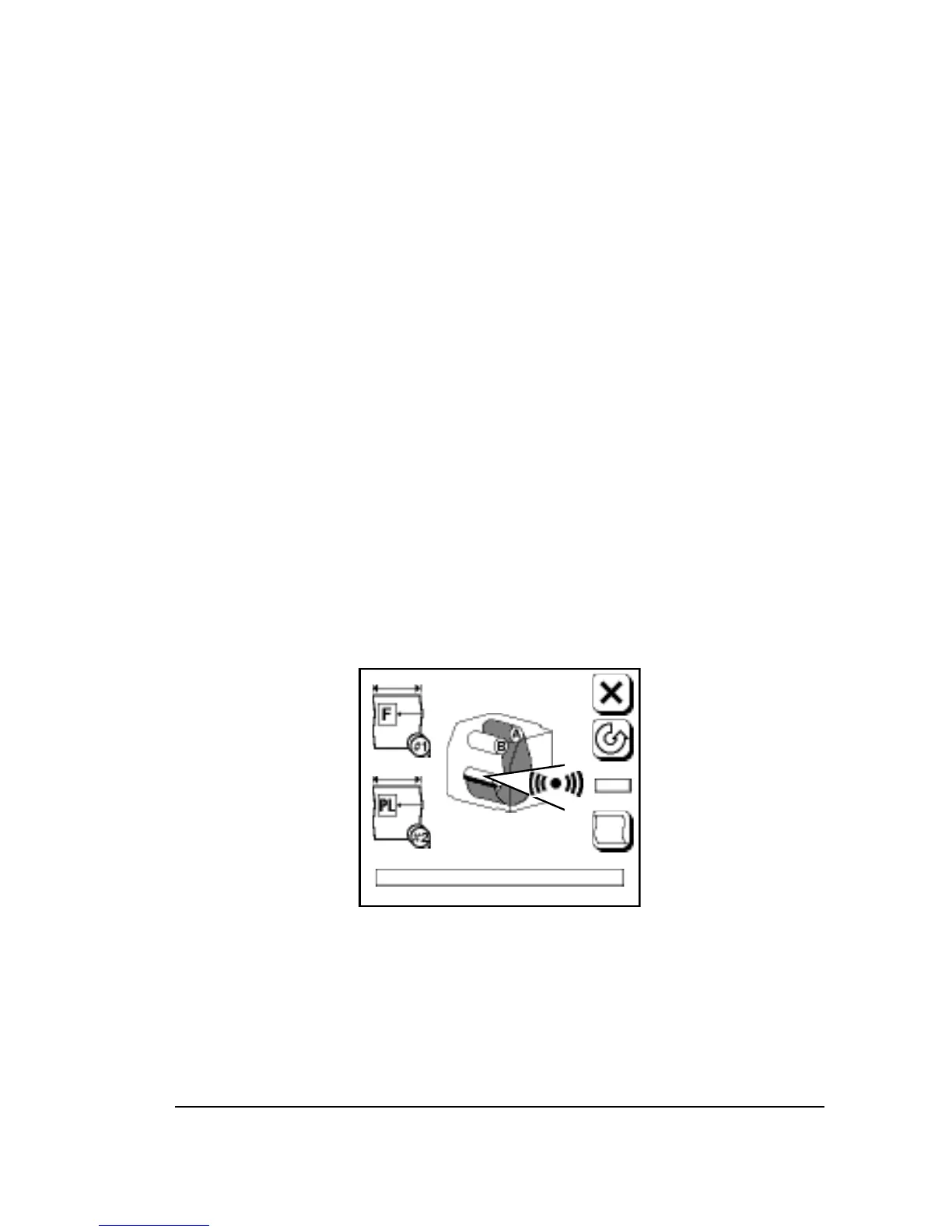
Take-up Alarm
• You specify the Take-up Alarm amount in the Feed Amounts
Screen.
• When the media fed into the take-up cassette exceeds this amount,
an alarm appears.
• The alarm blinks and the imagesetter goes into Pause Pending; it
will go to Pause when the current job is finished.
• When the Pause Screen appears, feed and cut the media, remove
the full take-up cassette, and put an empty cassette in its place.
• To override the alarm, press Run. The imagesetter goes to the Run
Screen and begins the next job; it will again go into Pause Pending
and Pause at the end of this job.
• You can also increase the Take-up Alarm amount. When the im-
agesetter is in the Pause screen, press Feed Amounts, change the
alarm amount and continue imaging.
Note: The maximum limit for the take-up cassette
is 100 feet (30.4 m). Exceeding this limit can
scratch the media or jam the cassette.
Figure 3.14. Take-up alarm.
Appears in both the Run and Pause screens.
Using the Control Panel
•
3–15



 To Next Page