The Test Page
Exposure test pages are created by files that are part of the SelectSet
Avantra software. Use test pages to evaluate exposure settings.
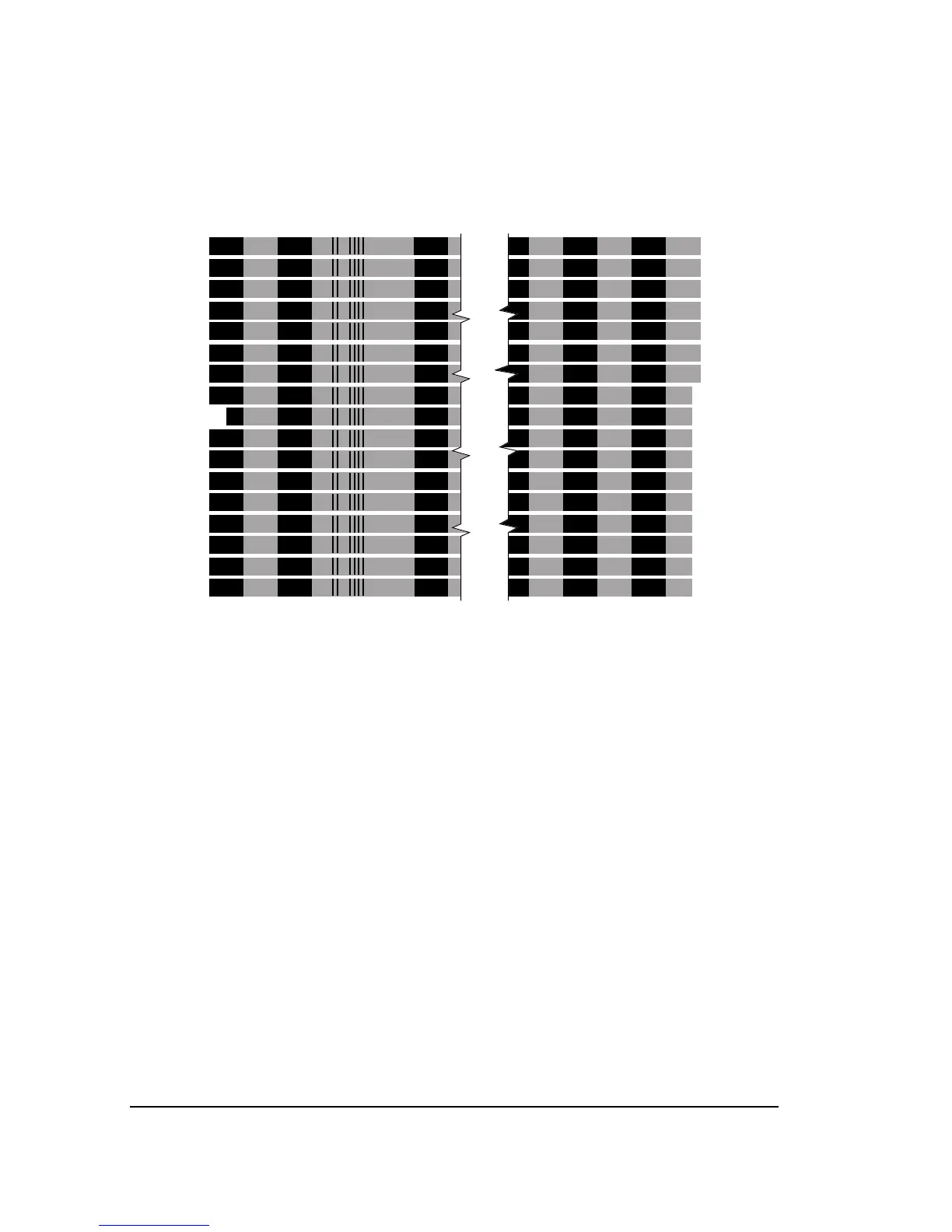
Figure 5.1. An example of a test page.
➀
—Reference band, indicated by an indent at the left side of the test page.
➁
—Imaging resolution, indicated by a bar code.
➂
—Increment value, indicated by indents at the right side of the test page.
• A test page is made up of a number of bands imaged at different
exposures.
• The bands consist of black 100% regions and gray 50% regions.
• The number of bands on the page varies with the width of the
media.
• A
reference band near the center of the page is imaged at the cur-
rent exposure set in the Cassette Screen. The reference band is
indented at the left end of the test page. See ➀ in Figure 5.1.



 To Next Page