Basic Controls
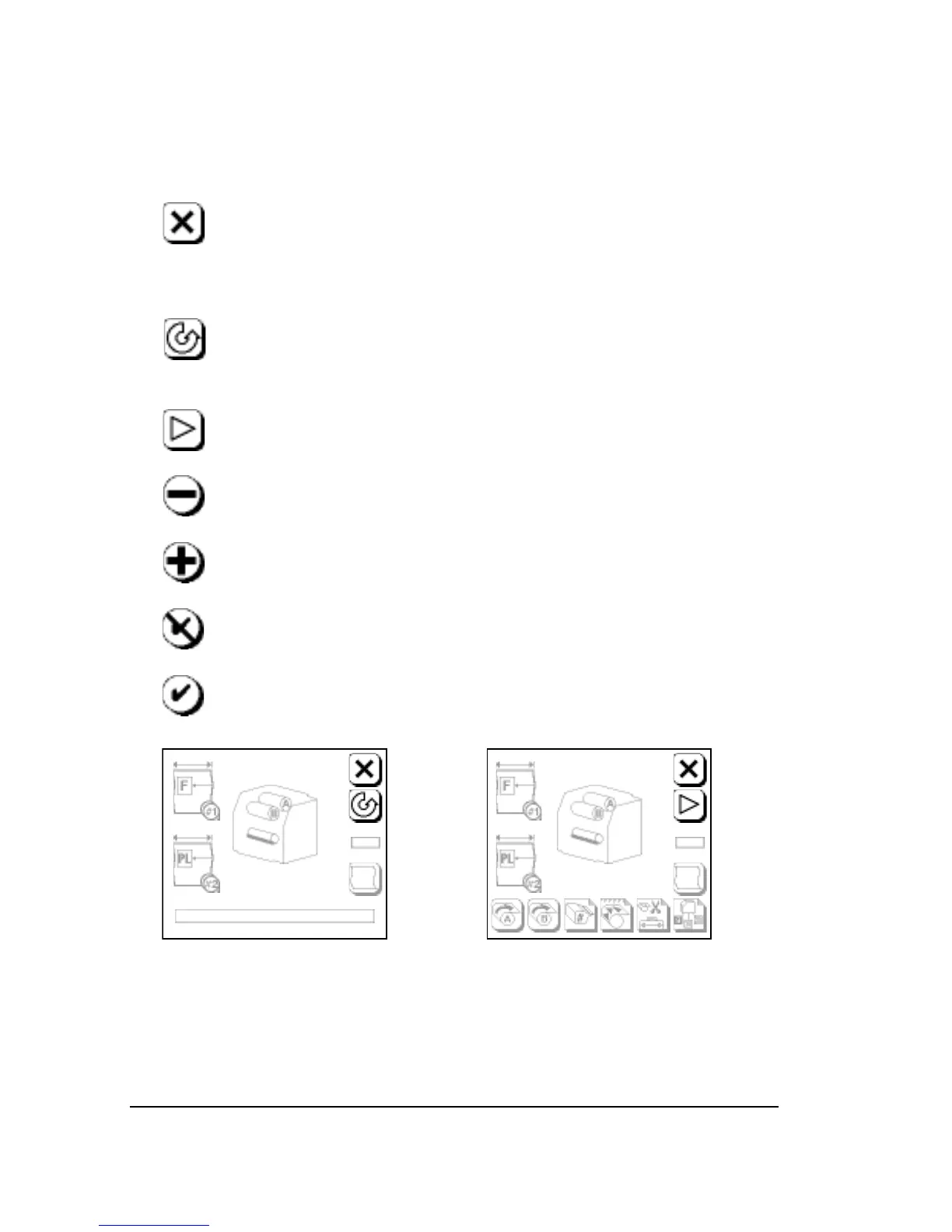
These buttons are the basic controls in the control panel screens:
➀
Abort: Appears in all screens. In the Run Screen, Abort can-
cels a job that is being imaged. In the Pause Screen, Abort
cancels feed or cut functions. In other screens, Abort cancels
the current operation and returns you to the Pause Screen.
➁
Pause: Puts the imagesetter in pause and returns to the
Pause Screen. In pause, you can change parameters or per-
form tasks such as loading media.
➂
Run: Puts the imagesetter in run mode, ready to image jobs,
and returns to the Run Screen.
➃
Minus: Decreases the value of numerical parameters. Tog-
gles between selections when icons show choices.
➄
Plus: Increases the value of numerical parameters. Toggles
between selections, as in Minus.
➅
Cancel: Discards any changes in the current screen.
➆
Accept: Accepts the parameters that appear on the screen.
Figure 2.4. Left: Run Screen.
➀
Abort;
➁
Pause.
Right: Pause Screen.
➀
Abort;
➂
Run.



 To Next Page