Clear Media from Drum: Access from the Left
Step 1: Turn off the imagesetter.
Step 2: Open the left side door.
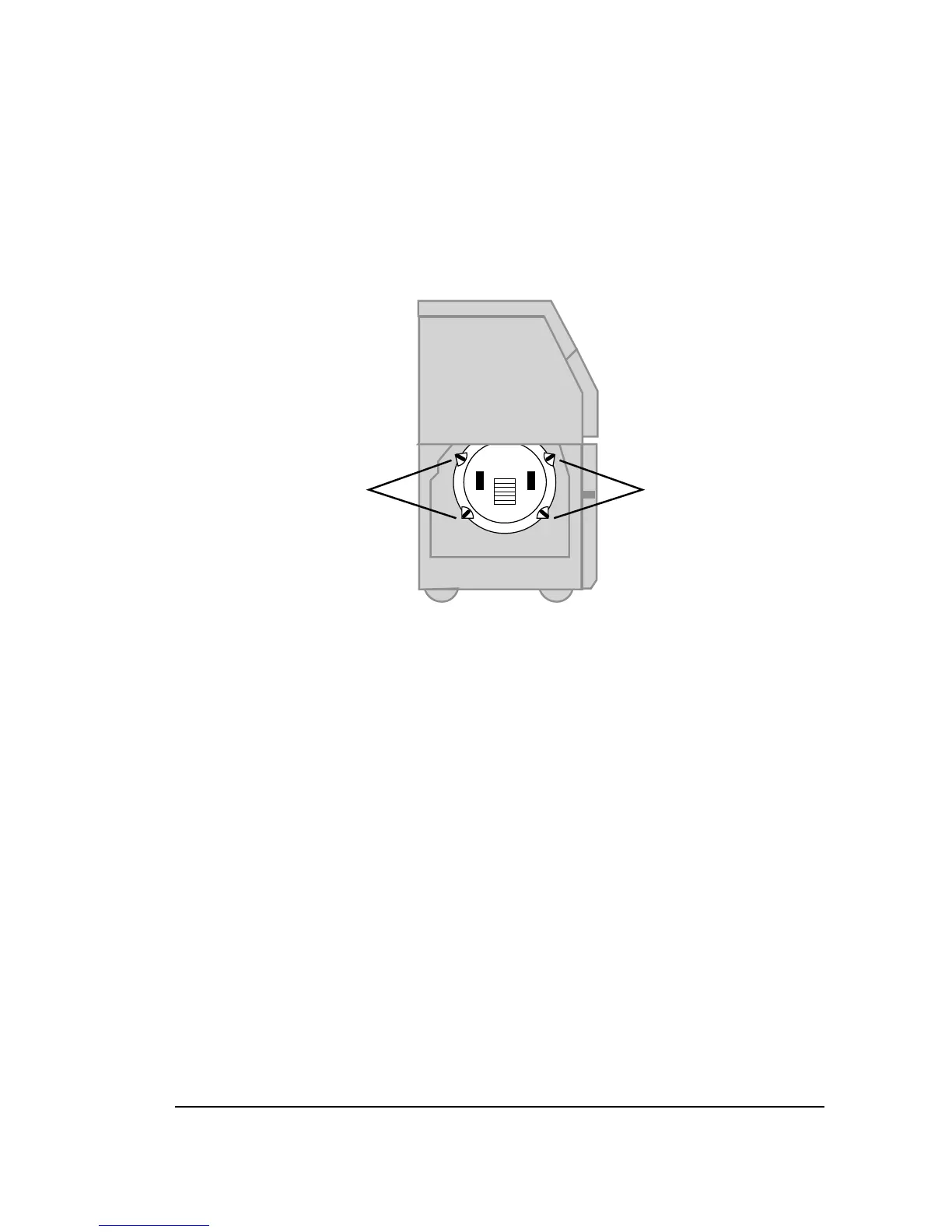
Step 3: Remove the left drum cover.
• Loosen the four latches that hold it in place.
Figure 7.3. The imagesetter with the left side door open showing the drum cover.
➀
—Latches. Pull and turn to loosen.
Step 4: Pull the carriage as far as possible toward the open door.
• When you pull the carriage, grasp only the solid metal
surfaces. Do not pull wires or other components.
Step 5: Remove the left inner shield.
• The inner shield is attached to the bottom of the carriage.
Rails on top of the shield fit into tracks built into the car-
riage.
• Pull the shield gently but firmly to remove it from the car-
riage. Grasp the shield by the two built-in vertical ridges.
• When the shield is out, put it on a clean surface.



 To Next Page