Start Up and Shut Down Procedures
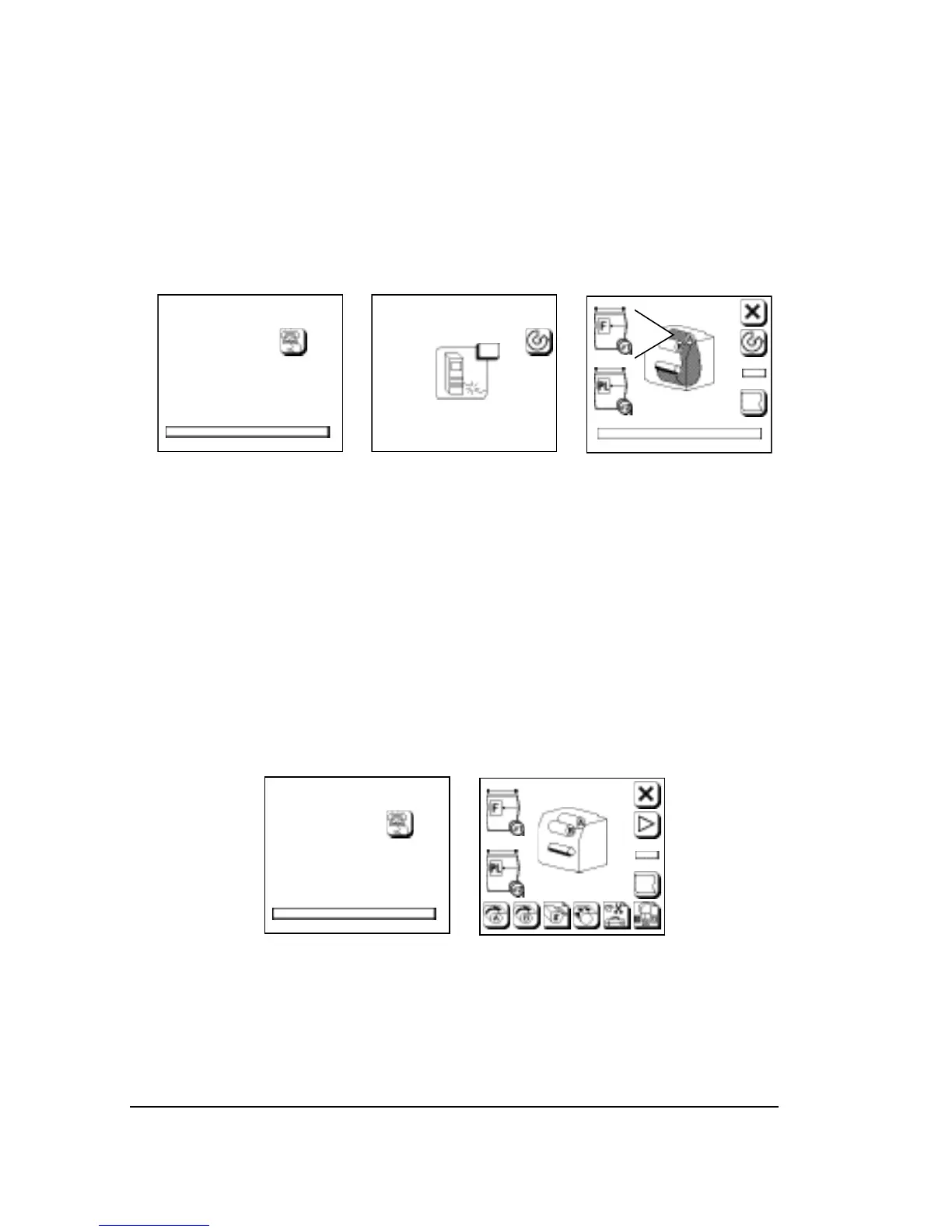
Follow these steps to start the SelectSet Avantra.
Step 1: Turn on the imagesetter. Press the green side of the switch
located next to the control panel. A progress bar appears at
the bottom of the screen as the imagesetter boots up.
➀ ➁ ➂
Figure 2.1. Screens that appear as you start up the SelectSet Avantra.
Step 2: When the control panel displays message 15 (No RIP), turn
on the RIP. Follow the instructions in the manuals that come
with your RIP.
Step 3: When both the imagesetter and the RIP are ready, the con-
trol panel shows a display called the Run Screen.
If there is no media loaded, or if there is no take-up cassette
in place, or if the bridge for the on-line processor is out of po-
sition, the Pause Screen appears instead of the Run Screen.
➀ ➁
Figure 2.2. In some cases, the Pause Screen appears
when you start up the imagesetter.



 To Next Page