EasyManua.ls Logo

AGFA SelectSet Avantra - Using Functions; Select a Screen

AGFA SelectSet Avantra
214 pages
Print Icon
To Next Page IconTo Next Page
To Previous Page IconTo Previous Page
Loading...
Using Functions
To use a function, you need to go to the control panel screen that con-
tains that function.
Select a Screen
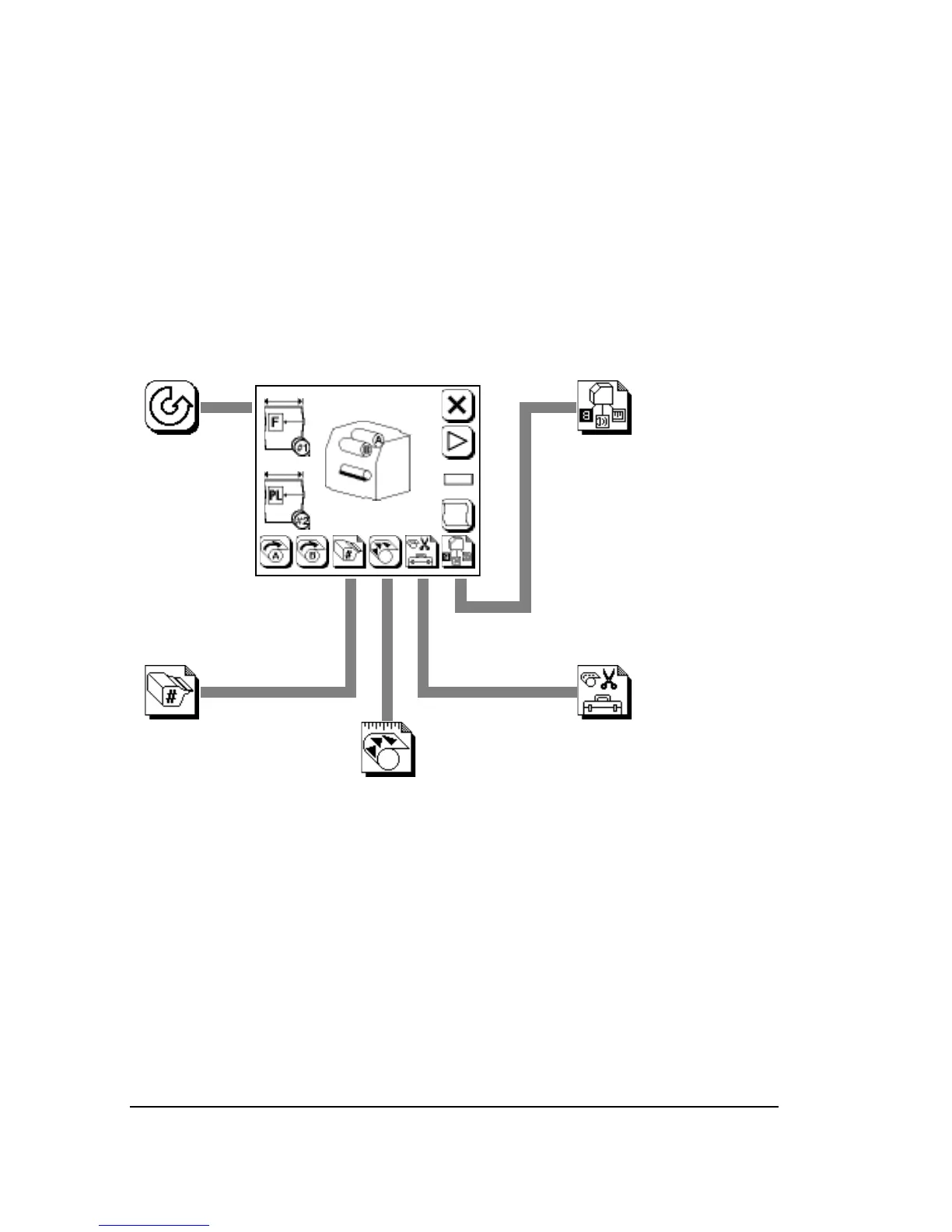
Press Pause to go to the Pause Screen.
Press a button to select the screen you need to use.
Utilities
Retract Punches/Nips
Cut
Feed
Reverse Feed
Switch Supply
Configuration
Image Mode
Autocentering
Units of Measurement
Output Mode
Viewing Angle
Volume
Processor Timeout
Feed Amounts
Feed Amount
Feed/Cut Amount
Interpage Gap
Supply Alarm
Take-up Alarm
Distance to Punches
Cassette Setup
Select Supply
Cassette Number
Media Type
Punches
Media Thickness
Media Amount
Media Width
Exposure
Test Page
2–8
SelectSet Avantra User Guide

Table of Contents

Related product manuals