Special Features of
Plus
and
Minus
• Interchangeable
Press either Plus or Minus to make selections.
• Cycling through selections
The different selections for a function act as if they are on a loop.
When you reach the end of the possible selections or numerical val-
ues, the list begins again.
• Auto-repeat function
If you press and hold down either Plus or Minus, the signal is au-
tomatically repeated. This enables you to make large changes quick-
ly. This is useful when making large changes to numerical values
such as exposure settings or media amounts.
Special Features of
Accept
and
Cancel
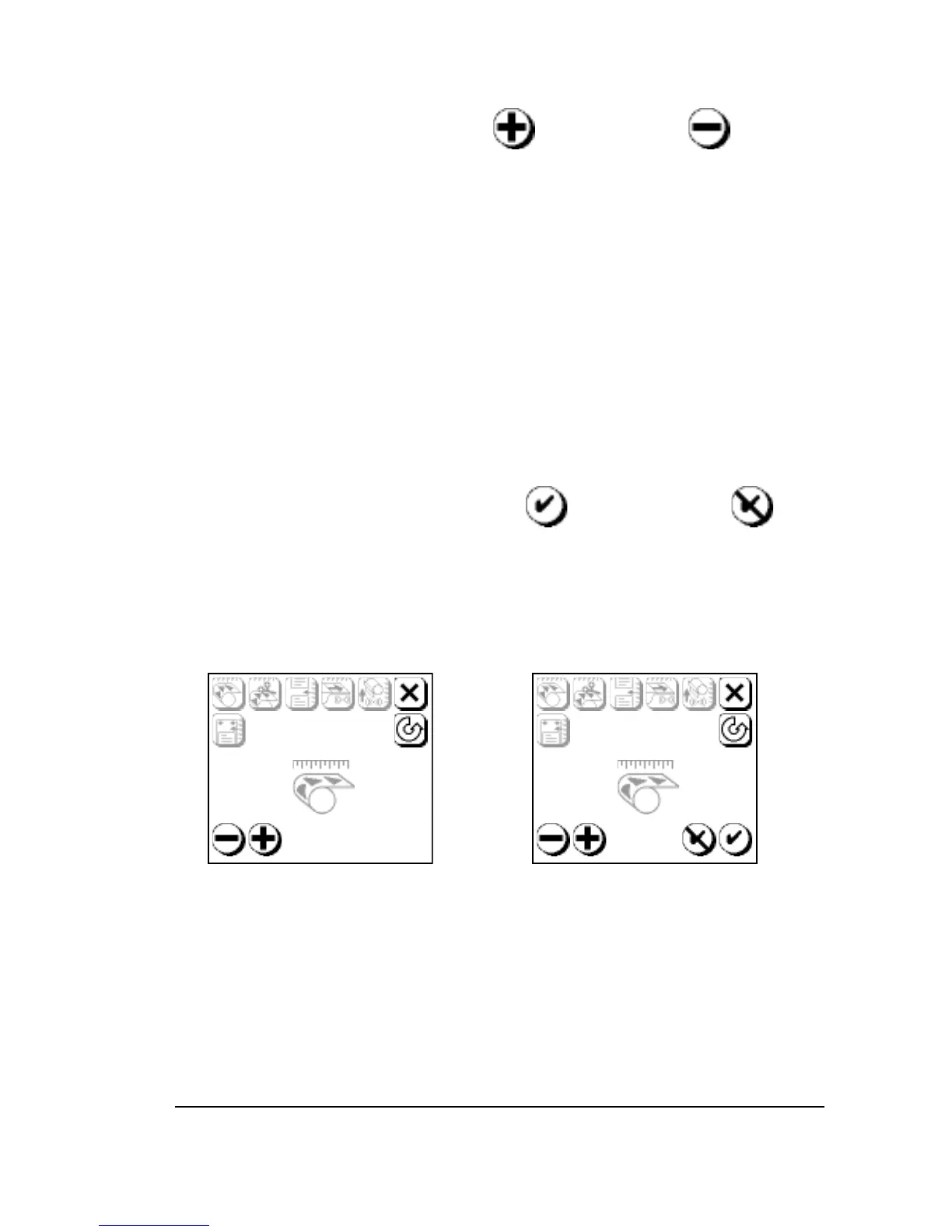
• In the Cassette Setup, Feed Amounts, and Configuration screens,
Accept and Cancel appear after you press Plus or Minus to change
a parameter.
• In the Utility screen, Cancel does not appear.
Figure 2.5. The Feed Amounts Screen. Left, before you change a parameter.
Right, after you press either Plus (
➄
) or Minus (
➃
) to change a parameter,
Accept (
➆
) and Cancel (
➅
) appear.



 To Next Page