Job Status
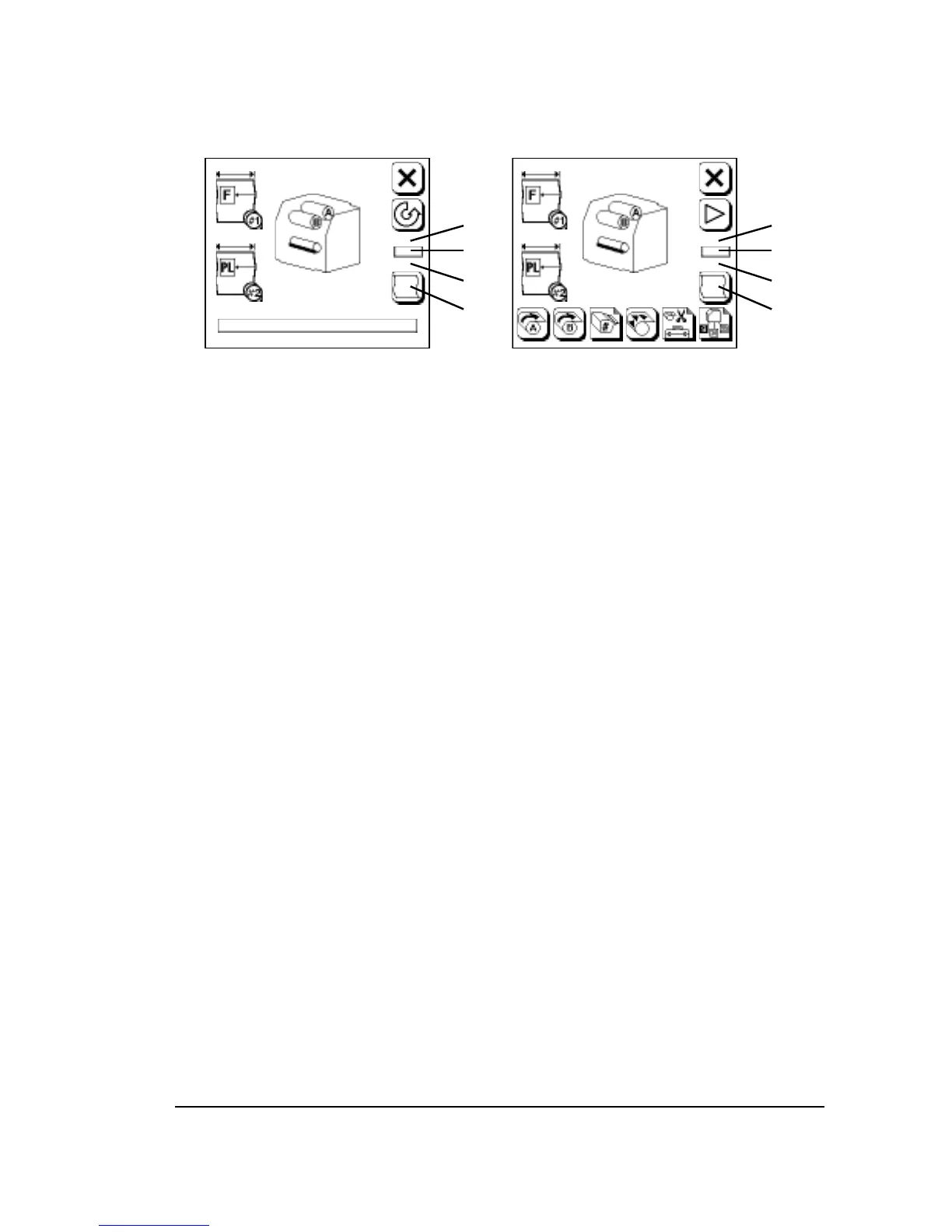
Figure 3.15. Job status display. Run Screen (left) and Pause Screen
(right).
➀
—Current resolution.
➁
—Current exposure.
➂
—Media past the cutter.
➃
—Job counter.
Current Resolution: The current resolution being used by the image-
setter is displayed.
• The imagesetter changes resolution based on commands embedded
in the file that is being imaged or commands downloaded to the RIP
from the front end.
Current Exposure: The current exposure value is displayed.
• When the imagesetter changes resolution, it automatically uses the
exposure specified in the Cassette Setup Screen for that resolution.
Media Past the Cutter: The imagesetter displays the amount of media
that has been advanced past the cutter.
Job Counter: The number inside the Display Job History button is the
number of images in the drum and take-up cassette.
• If the imagesetter is busy, this number includes the job being im-
aged.
• The counter advances every time a job is started, even if you abort
the job before it is complete.



 To Next Page