Clearing Media Jams
Media may get jammed in places that you cannot normally reach. This
section describes how to reach all parts of the media path.
Caution:
Before you reach into the imagesetter, remove
watches, rings, and any other jewelry that might
nick the inner surfaces of the imagesetter. Take
special care when working around the drum area.
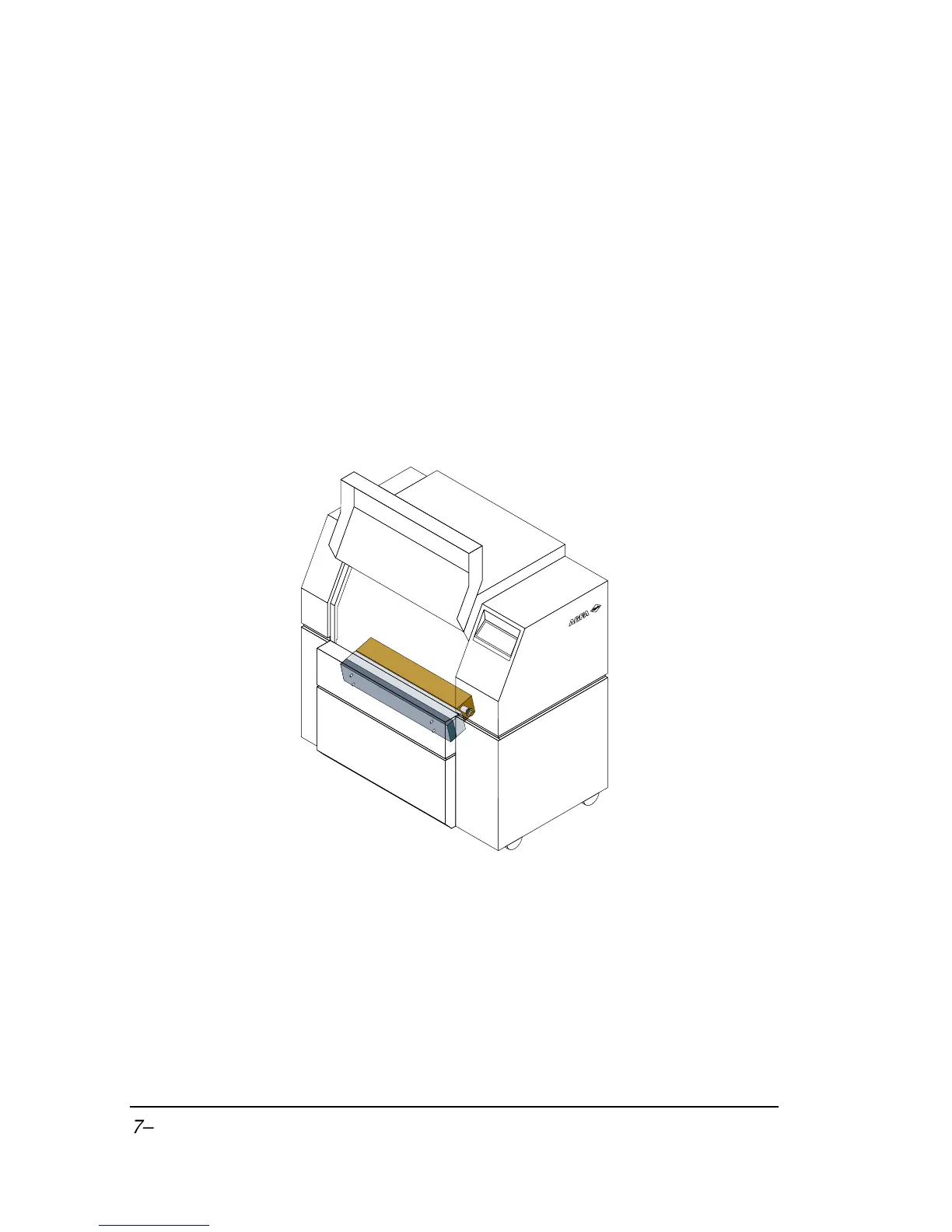
Remove Nip Drive Assembly
Figure 7.1. Front view showing location of the nip drive assembly.
WARNING:
The nip drive assembly weighs approximately sev-
en pounds (3.2 kilograms).



 To Next Page