EasyManua.ls Logo

AGFA SelectSet Avantra - Load a Media Supply; Feed and Cut

AGFA SelectSet Avantra
214 pages
Print Icon
To Next Page IconTo Next Page
To Previous Page IconTo Previous Page
Loading...
Load a Media Supply
When you press Load, the imagesetter advances media from a supply
cassette into the drum.
Feed and Cut
Press Feed and Cut to advance media out of the drum.
The Output Mode that you specify in the Configuration Screen affects
the Feed and Cut function. Your choices for Output Mode are Take-up
Cassette or On-line Processor.
When you use the on-line processor:
Imaged media is fed past the cutter.
The media is cut. The imagesetter ignores the Feed Cut Amount.
The imagesetter feeds the cut media through the bridge to the pro-
cessor.

Load Supply A
Load Supply B
(Available only with DualSupply Option.)
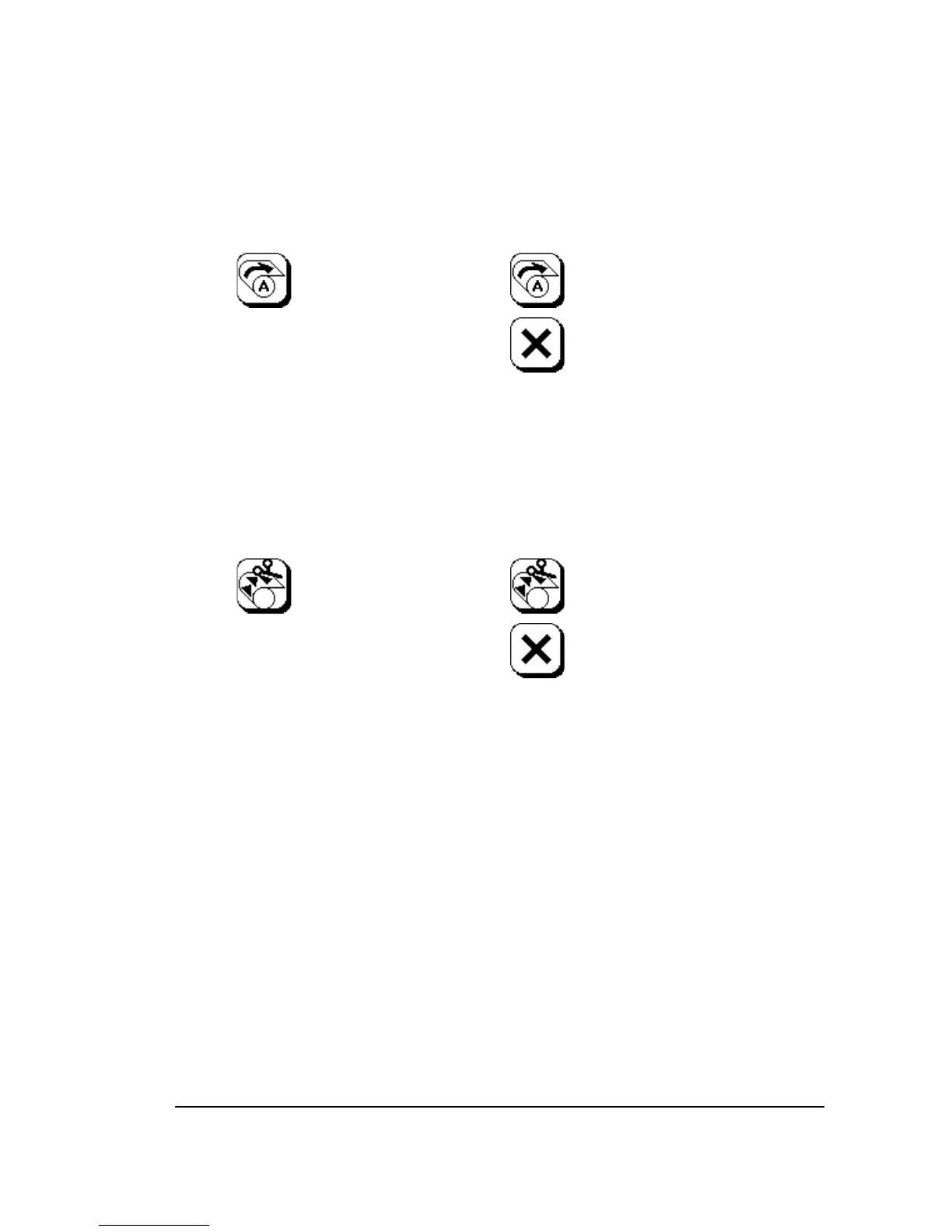
To Load a Supply:
Press once and the icon
flashes.
Press again to complete
loading or…
…press Abort to cancel.
Press once and the icon
flashes.
To Unload:
To Feed and Cut:
Feed and Cut
Unload
Press once and the icon
flashes.
Press again to complete
the feed and cut or…
…press Abort to cancel.
Press again to complete
unloading or…
…press Abort to cancel.
Using the Control Panel
3–5

Table of Contents

Related product manuals