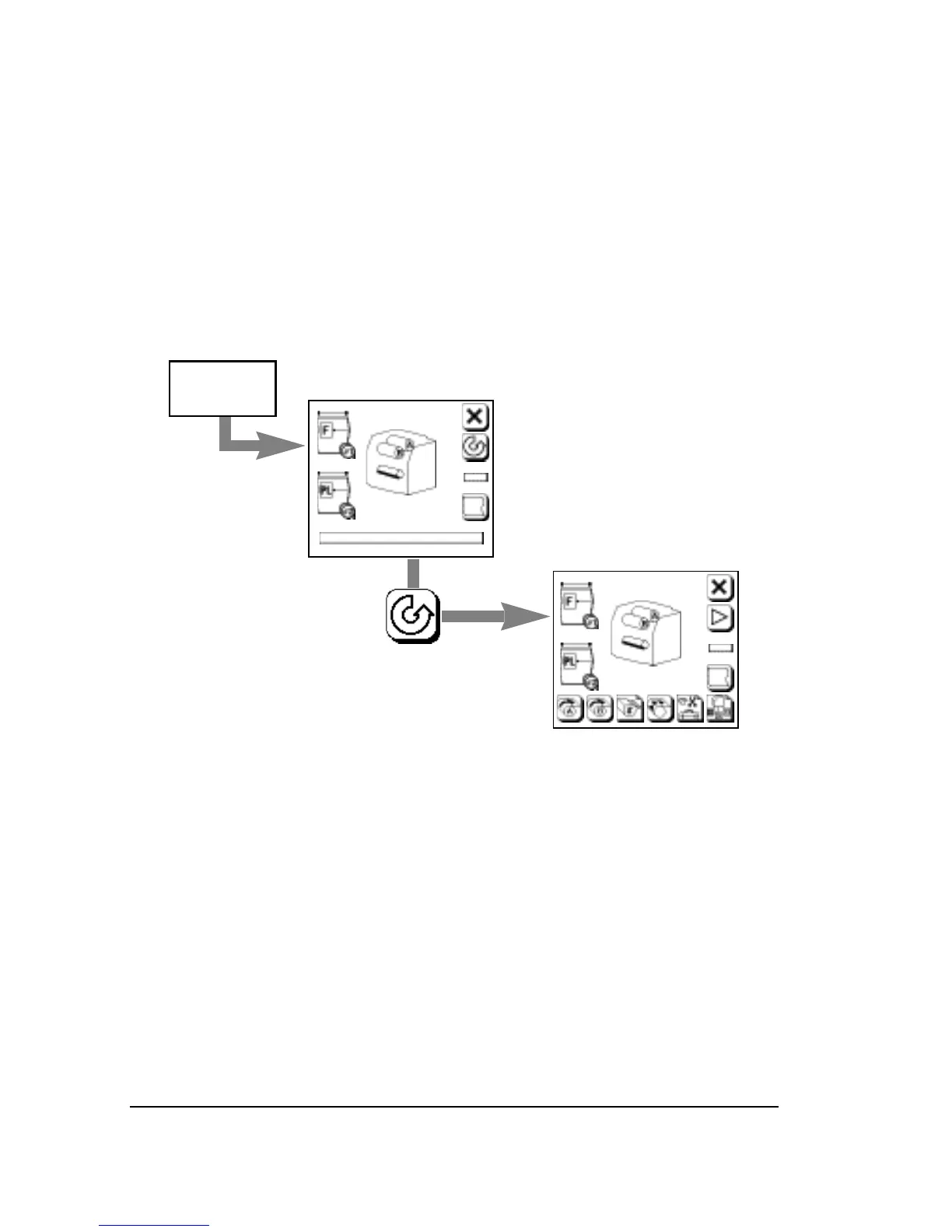
Control Panel Screens
• There are six control panel screens.
• The Run Screen appears when you first start up the imagesetter.
• Press Pause to go to the Pause Screen.
• Press the square cornered buttons at the bottom of the Pause
Screen to access the Cassette Setup, Feed Amounts, Utilities, and
Configuration Screens.
Figure 2.2. When you start up the imagesetter, the Run Screen appears.
Press Pause to go to the Pause Screen.
Note: If there is no media loaded, or if there is no
take-up cassette in place, or if the bridge for the
on-line processor is out of position, the Pause
Screen appears instead of the Run Screen when
you start up the imagesetter.



 To Next Page