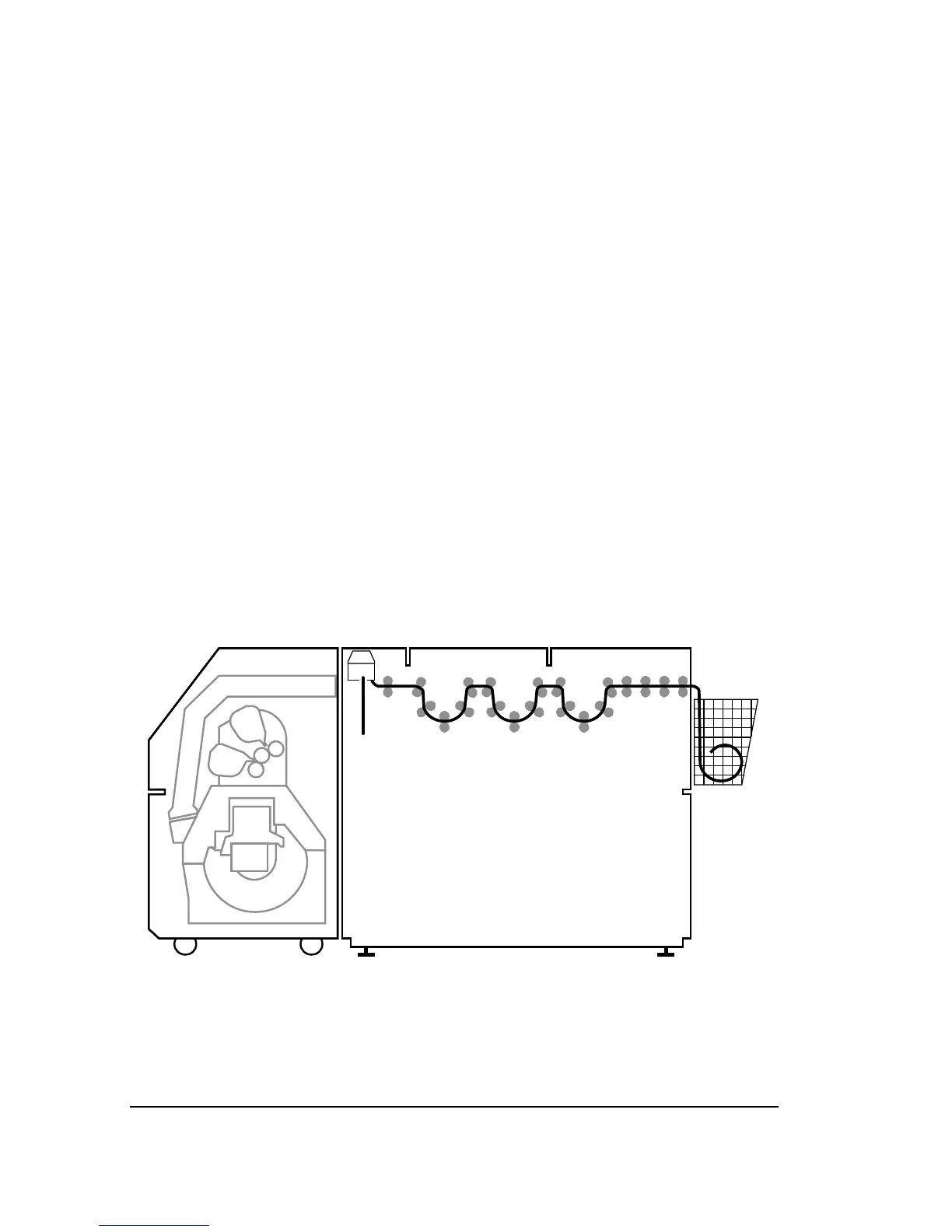
Bypassing the Bridge
You may need to use the standard take-up cassette instead of the
bridge. Follow these steps.
Step 1. In the Configuration Screen, change the output mode from
on-line processor to take-up cassette.
Note: You must change the Output Mode selection
in the Configuration Screen. If you use the take-up
cassette while on-line processor is specified as the
output mode, the imagesetter will report a media
jam when it advances media.
Step 2. Open the outer covers, lift up the bridge, and put the take-
up cassette into the imagesetter.
Step 3. Lower the bridge. Rubber “feet” at the bottom of the bridge
rest on top of the take-up cassette.
Step 4. Close the outer covers and send jobs to the imagesetter.
When your jobs are complete, feed and cut the media, re-
move the cassette, and process the media.
Figure 8.4. You can put the standard take-up cassette
➀
into the processor to
bypass the bridge.



 To Next Page