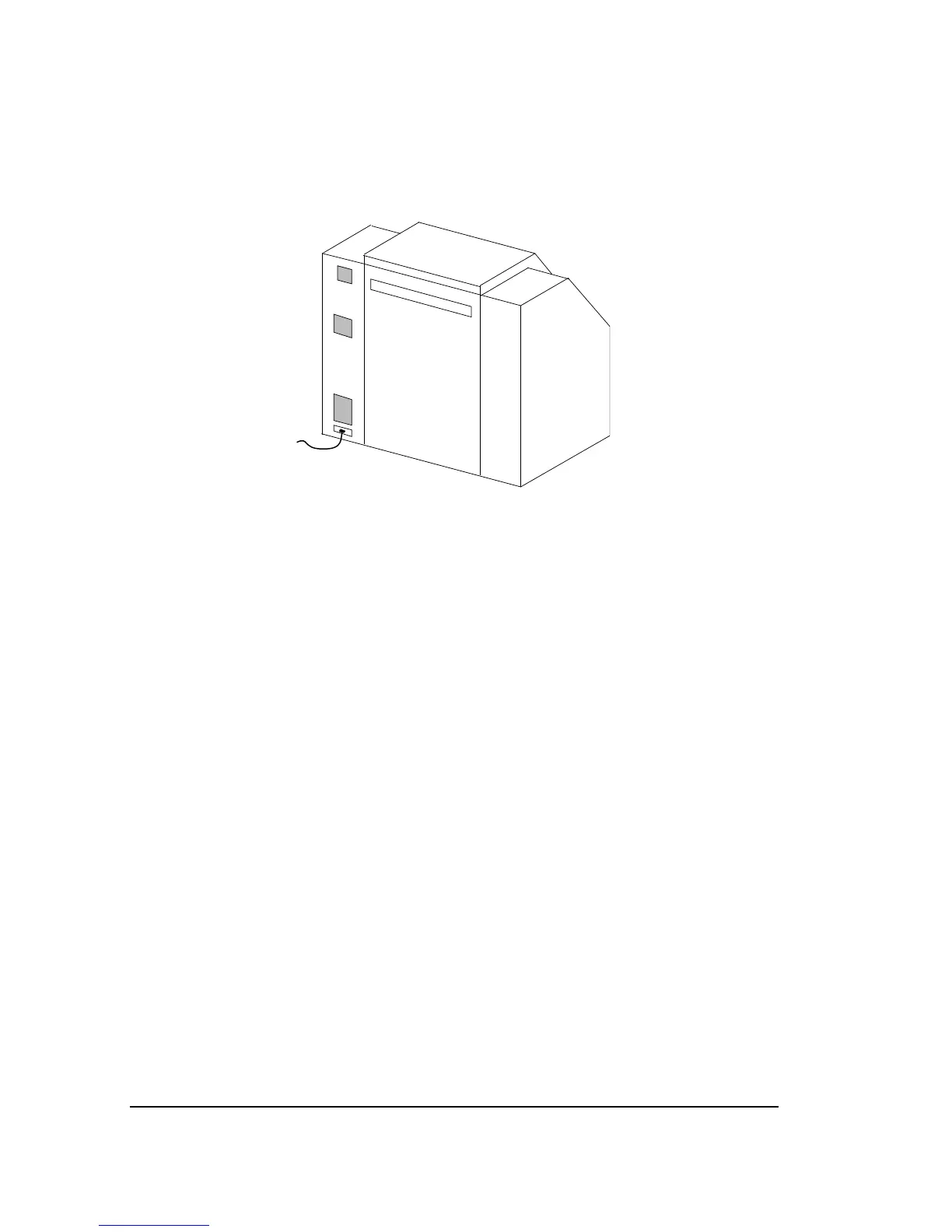
Intake Filters
Check both the Electronics Enclosure Intake filter and the Drum
Intake filter every day to make sure they are not blocked.
Figure 7.7.
➀
—Electronics enclosure filter.
➁
—Drum intake filter.
Clean the Electronics Enclosure Intake filter. This filter is approxi-
mately
1
/4" (6 mm) and made of black plastic foam.
Interval: Weekly.
Method: Shut down the imagesetter. Pull out the filter and vacuum.
Replace the Drum Intake filter. This filter is approximately
3
/4" (19 mm)
thick and is made of several different layers.
Interval: Once a month or more frequently if necessary.
Method: Shut down the imagesetter. Pull out the filter and replace
it. Use part number C00305-001. Contact your service provider for
information about ordering replacement filters.



 To Next Page