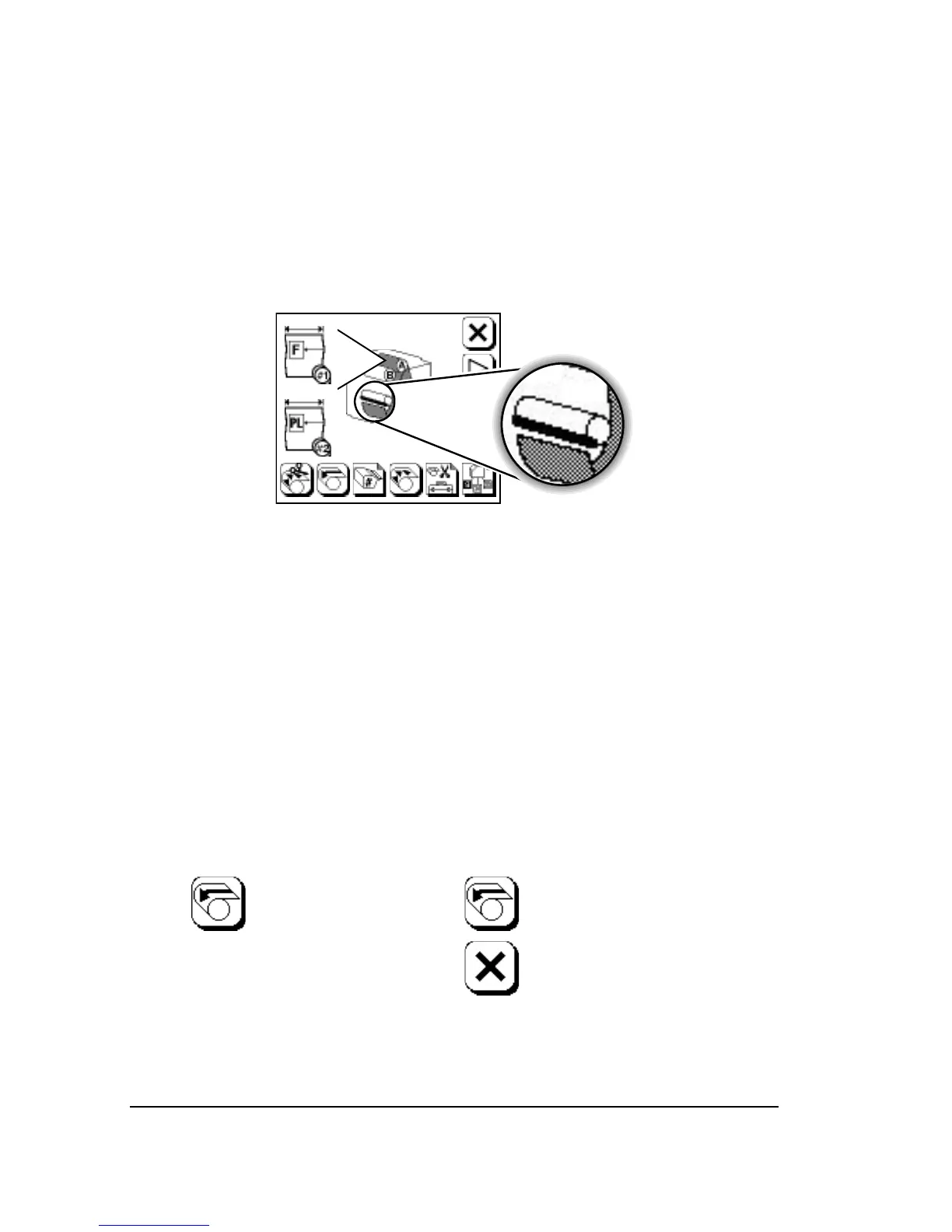
When you use the take-up cassette:
• Imaged media is fed past the cutter.
• Some unexposed media is advanced. The length of the unexposed
media is the Feed Cut Amount, specified in the Feed Amounts
Screen.
• The media is cut.
Figure 3.2. The display changes to show that the media has been cut.
Unload
When you press Unload, the imagesetter:
1. Checks for media in the take-up cassette or imaged media in the
drum.
2. Executes a feed and cut if media is detected in either place.
3. Rewinds the media in the drum back into the supply cassette.



 To Next Page