Punch Trays
Check the punch trays every three months. Follow this procedure to
empty them.
Step 1: Turn off the imagesetter.
Step 2: Open the left side door.
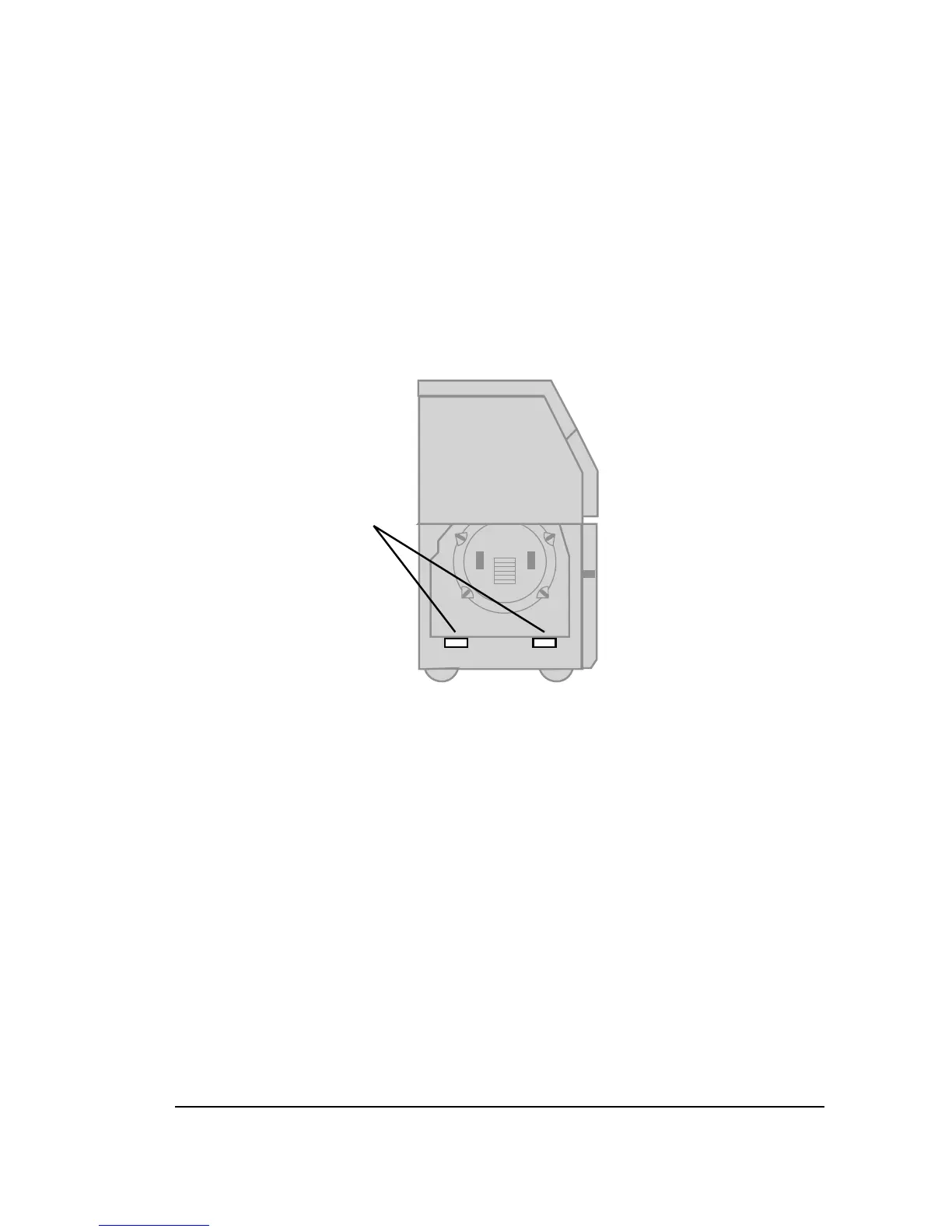
Step 3: There are two punch trays, both below the imaging drum.
They are bright red. Slide the trays out of the imagesetter to
empty them.
Figure 7.8. The imagesetter with the left side door open.
➀
—The punch trays.
Step 4: Replace the trays, close the left side door and start the
imagesetter.



 To Next Page