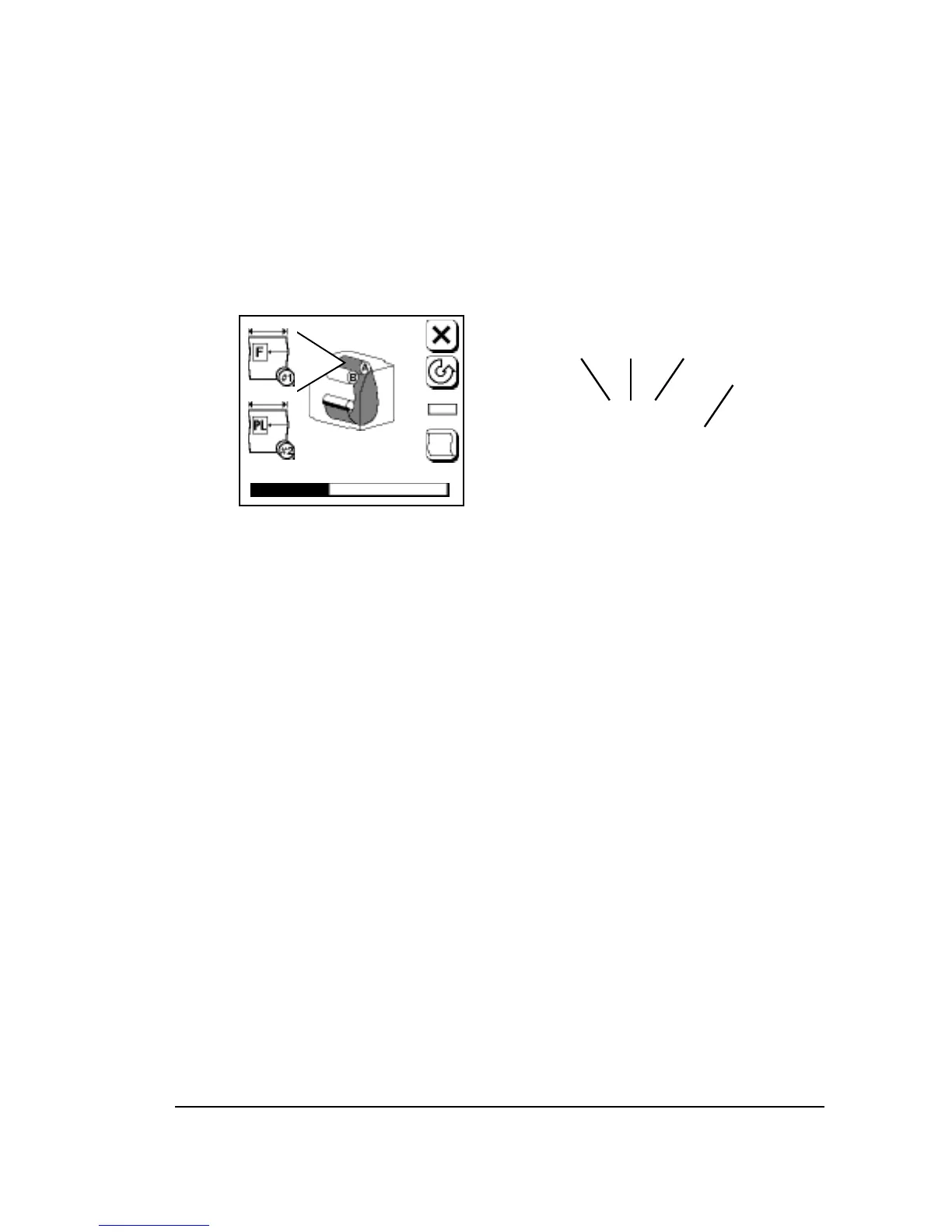
Current Job Information
• The name of the job being imaged appears over the progress bar.
This information is cleared when the job is finished.
• A limited number of spaces are available to display the name. Job
names that are too long are cut from the left.
• The page, copy, and separation appear above the job name.
Figure 3.1.
➀
—Page number. Corresponds to page number that appears when you
display job history.
➁
—Copy (if you are imaging multiple copies of a job.)
➂
—Separation number.
➃
—Job name.
Pause Pending
• Press Pause in the Run Screen while the imagesetter is busy to
enter Pause Pending.
• The Pause button blinks to indicate Pause Pending.
• To cancel Pause Pending, press Pause a second time. The blinking
stops.
• When the current job is finished, the Pause Screen appears. You
can perform media operations, check parameters, etc.
• Press Run to resume imaging. If jobs were left in queue when the
imagesetter went into Pause, the imagesetter continues where it left
off.



 To Next Page