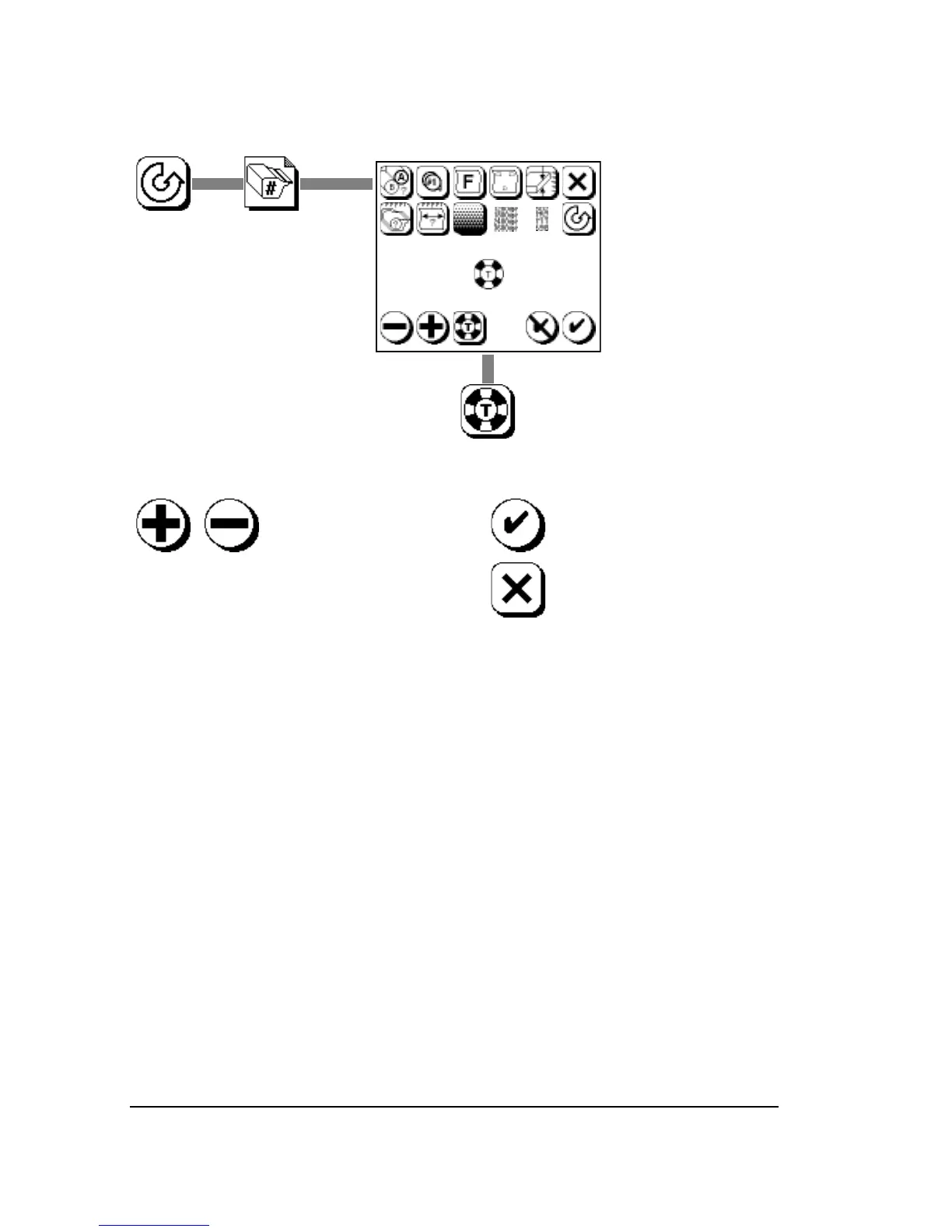
How to Image an Exposure Test Page
When selecting an increment value, follow these guidelines:
• An increment value of 10 is useful when you are not sure what the
exposure setting should be. (When evaluating a new type of media,
for example.) The higher value yields the widest range of exposures
on the test image.
• Use the lower values (5 or 1) when you have a better idea what the
exposure setting should be.
• In tests run with higher increment values, the lowest and highest
exposures may be far out of range. In this case, determine which
exposure setting is closest to the results you need, set that as the
exposure, then run the test again using a smaller increment value.
• Expect each resolution to have a unique optimum exposure.



 To Next Page