The Control Panel
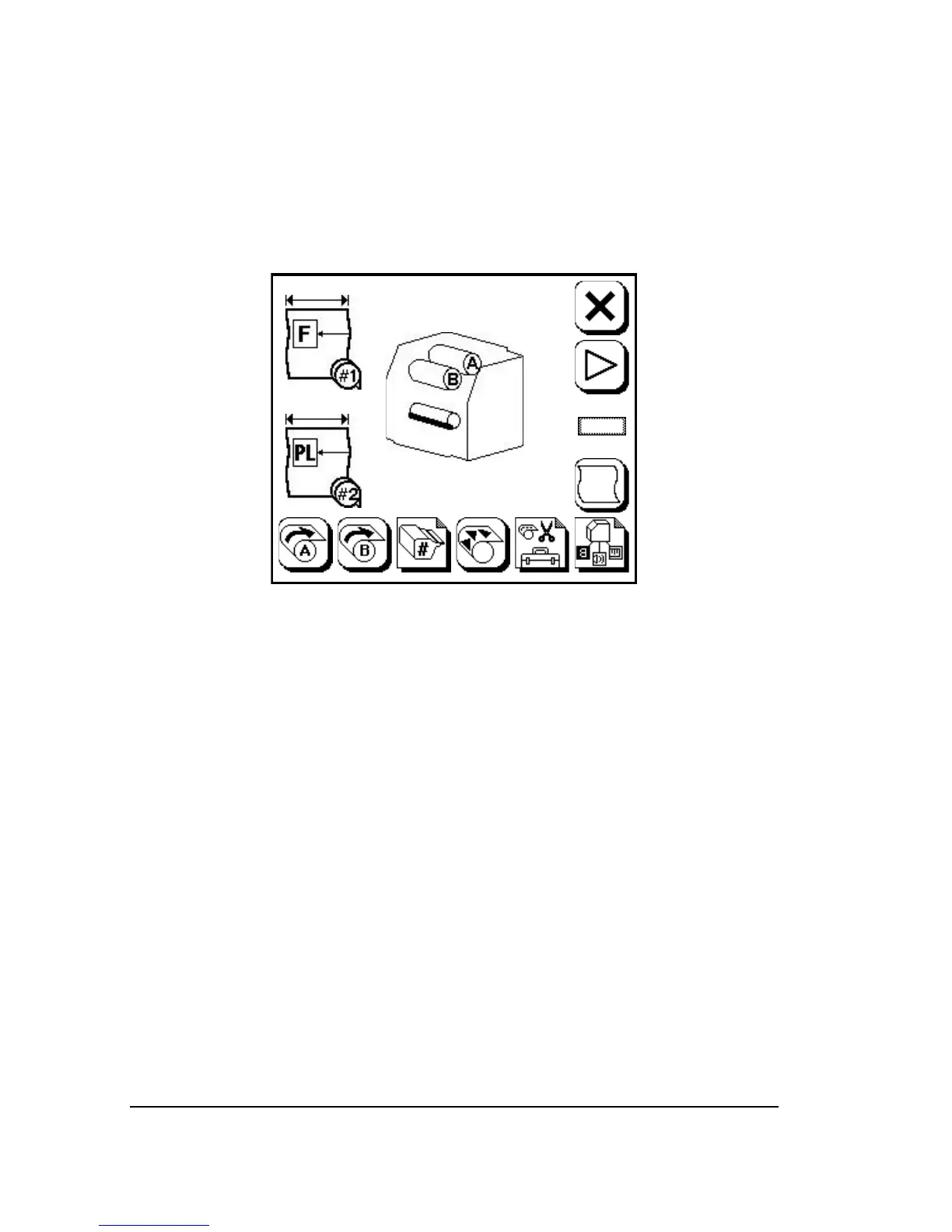
The control panel is a liquid crystal display (LCD) with a pressure sen-
sitive surface. Status icons on the screen display information about the
imagesetter. Some icons act as buttons. You press these button icons
to operate the imagesetter. See Figure 1.2.
Figure 1.2. The SelectSet Avantra control panel showing the Pause Screen.
1–4
•
SelectSet Avantra User Guide



 To Next Page