Press Some Buttons Twice
To activate some functions, you need to press a button twice. For ex-
ample:
In all cases, the button flashes when a second press is required. If you
do not press the button a second time within five seconds, the func-
tion cancels itself.
Buttons Display Current Setting
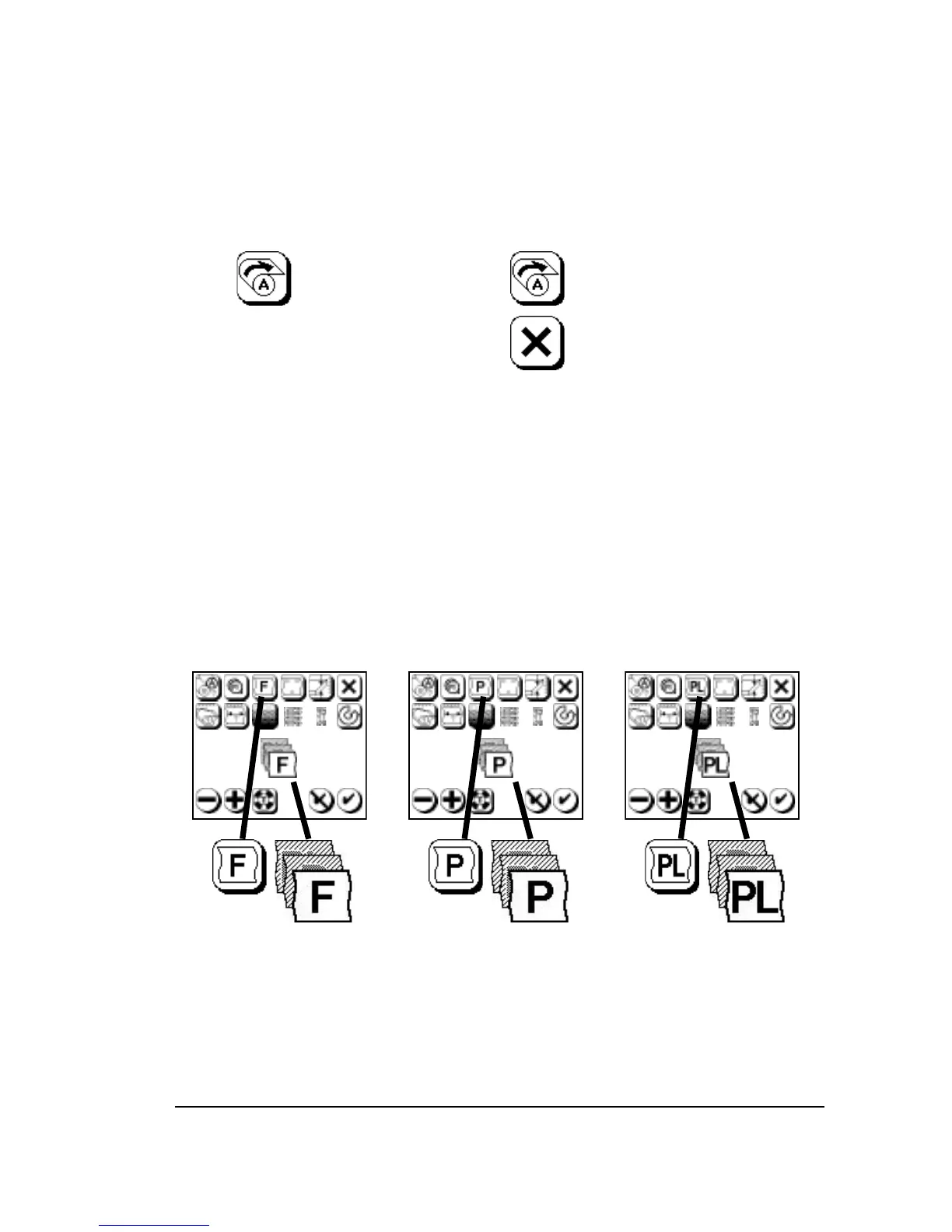
For some functions, the button icon changes to show the current set-
ting for that function. When you change the parameter, the button
changes. Figure 2.6 shows an example.
Figure 2.6. As you select different types of media in the Cassette Screen,
the Media Type button changes .
Left, film selected; center, paper selected; right, plate selected.



 To Next Page