Remote Diagnostics
The imagesetter can be set up with an internal modem to communi-
cate with a remote diagnostic computer.
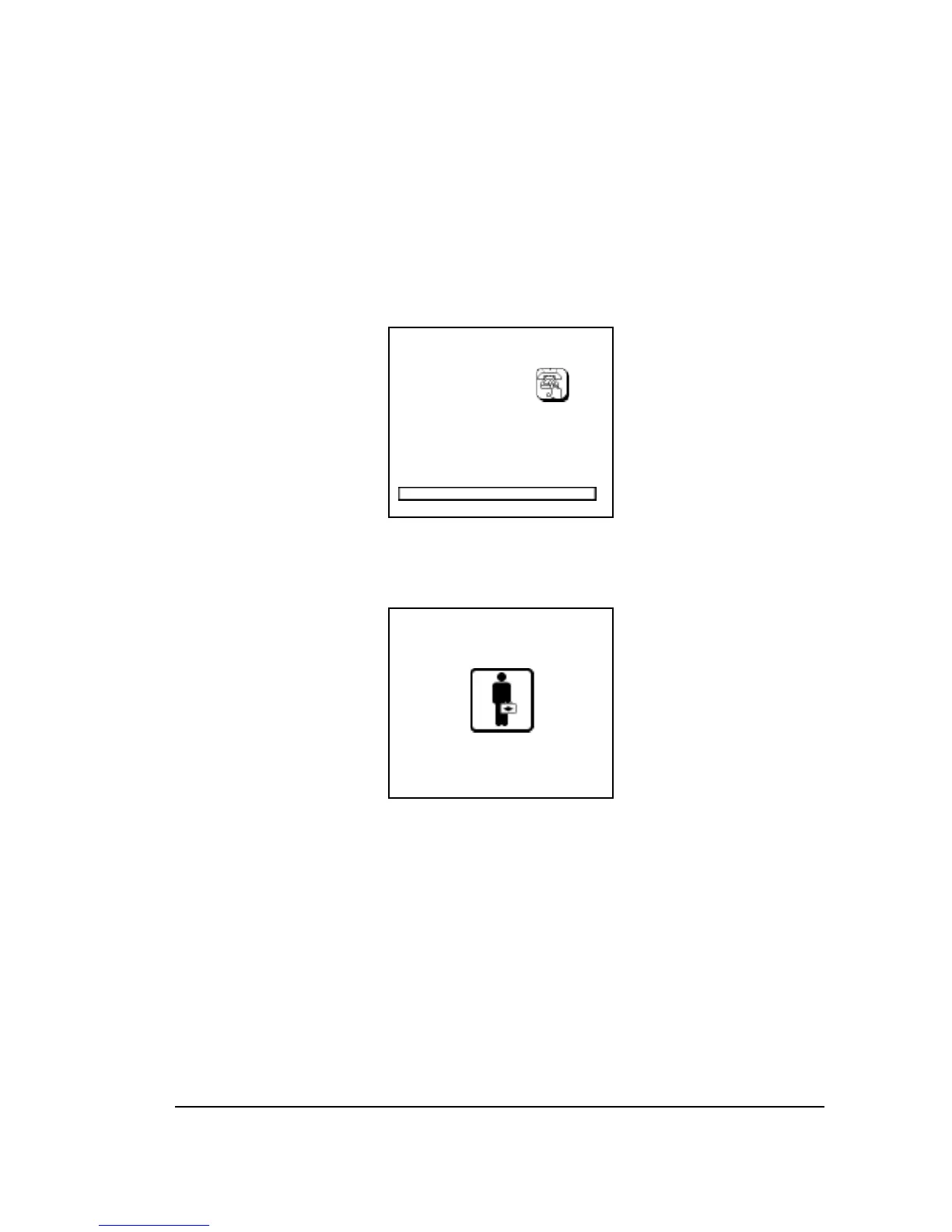
To activate the modem and have it dial out to the remote diagnostic
computer, press the Dial Out icon button that appears when the sys-
tem is booting up.
While the modem is active, the control panel looks like this:
Caution:
Never turn off the imagesetter while the modem is
active. Doing so could damage the imagesetter op-
erating software.



 To Next Page