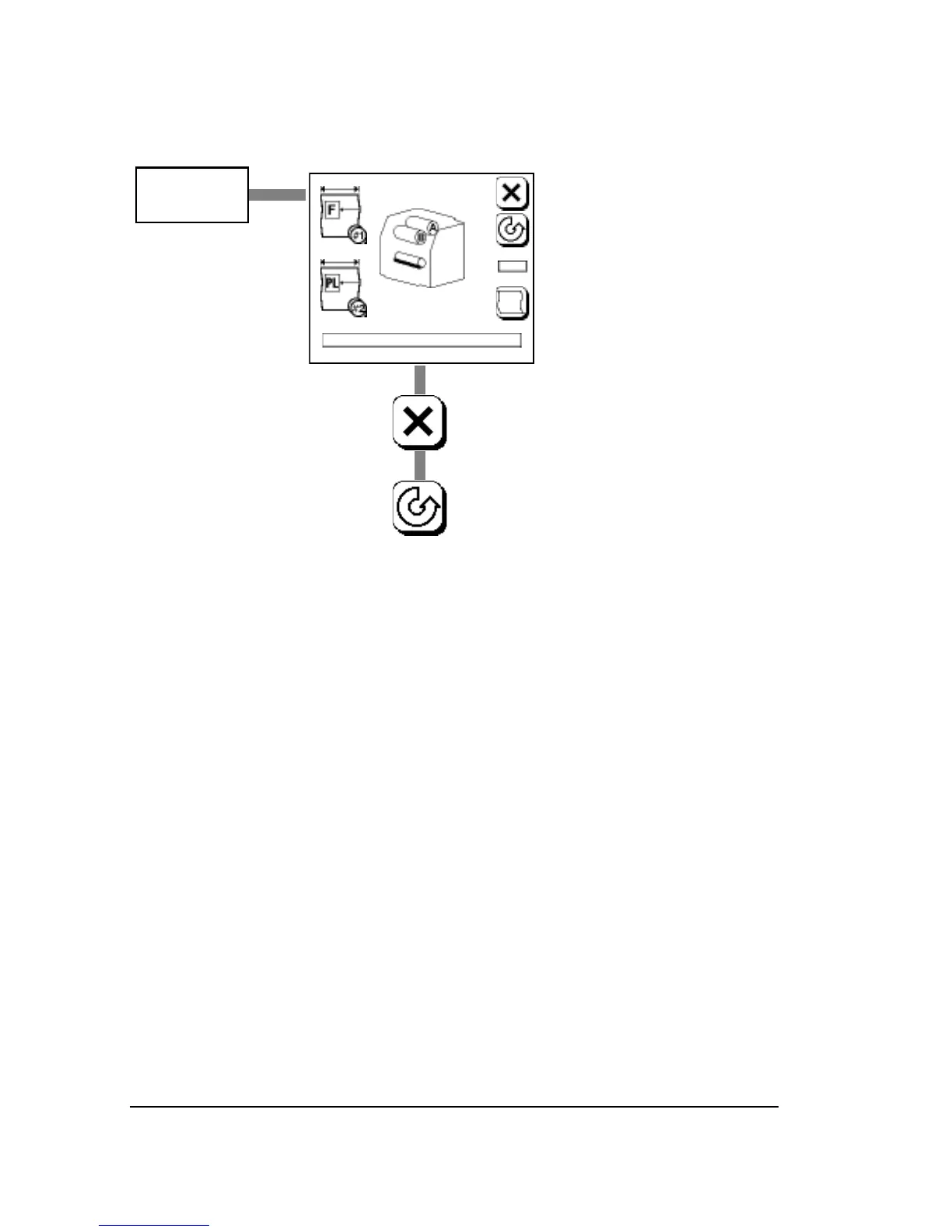
The Run Screen
Operating Modes
The SelectSet Avantra has three operating modes in the Run Screen:
•
Idle: Ready to image a job
• Busy: Imaging a job
• Pause Pending: The imagesetter will go into Pause when the job
currently imaging is complete
Progress Bar
• The progress bar appears at the bottom of the Run Screen.
• While the imagesetter is busy, the outline of the progress bar ap-
pears in bold. The bar fills in to indicate the progress of the job.



 To Next Page