Reading a Test Page
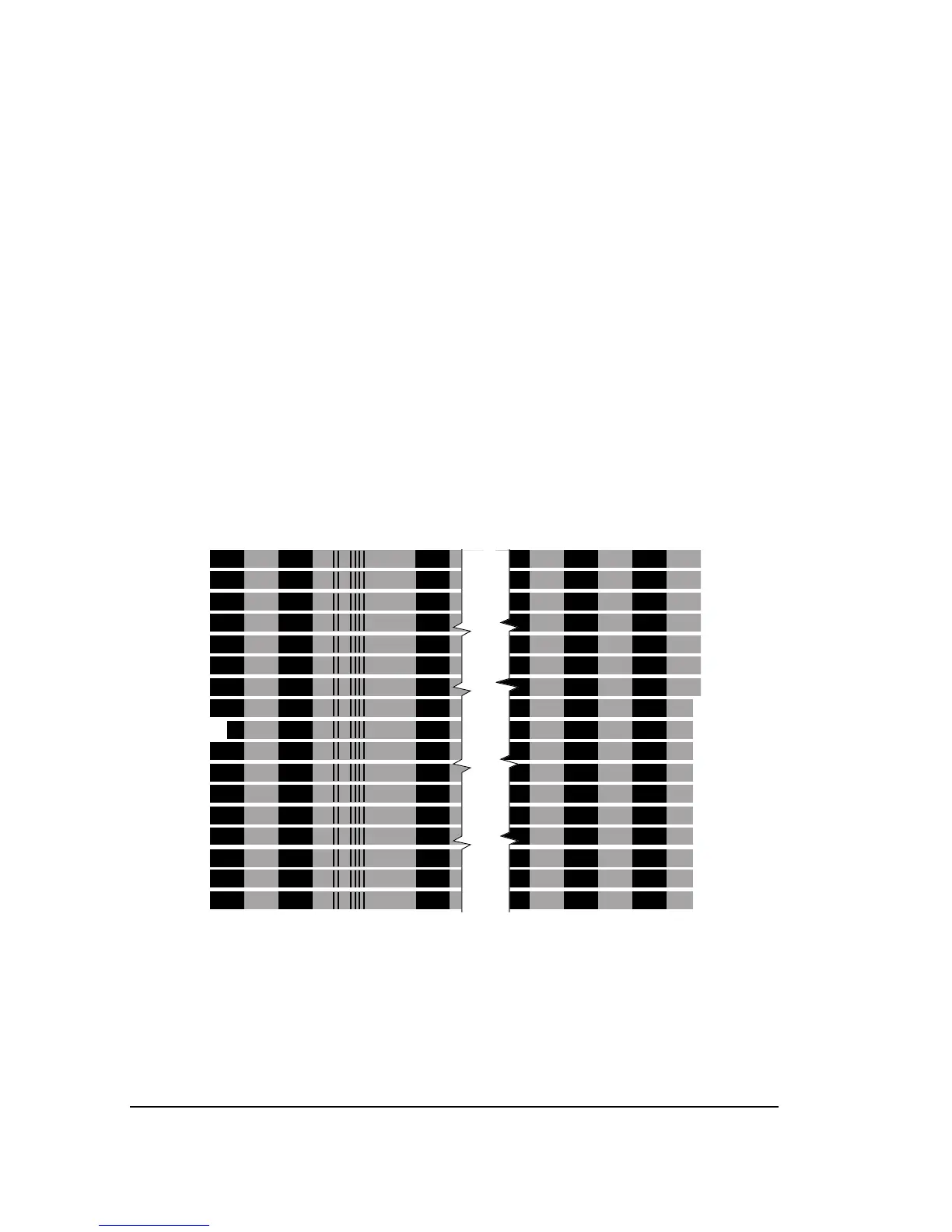
To read the exposure values for each band on a test page, hold the page
with the reference band indent to the left and the increment value
indents to the right. See Figure 5.5.
The imagesetter follows this pattern to select exposure settings for each
band on the test page:
Higher exposures toward the top of the page…
Step +3 (current exposure) + (3 x increment value)
Step +2 (current exposure) + (2 x increment value)
Step +1 (current exposure) + (1 x increment value)
Reference band (current exposure)
Step -1 (current exposure) - (1 x increment value)
Step -2 (current exposure) - (2 x increment value)
Step -3 (current exposure) - (3 x increment value)
Lower exposures toward the bottom of the page…
Figure 5.5. To read a test page, hold it like this.



 To Next Page