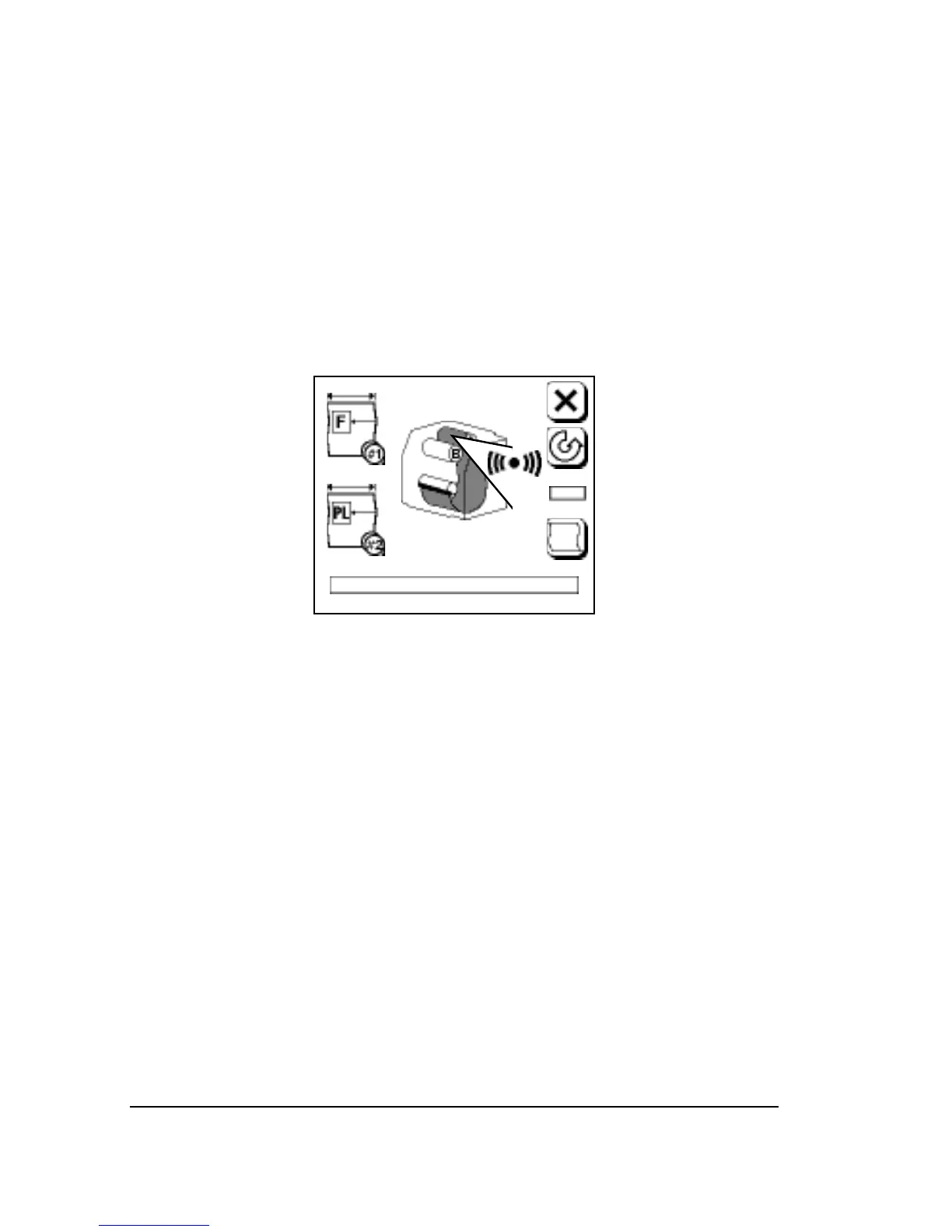
Supply Alarm
• You specify the Supply Alarm amount in the Feed Amounts Screen.
• When the media remaining amount in the current loaded supply
drops below this amount, an alarm appears.
• The alarm blinks until you reload media.
• The imagesetter continues imaging until the supply cassette is com-
pletely empty. At this point, error message 4, Out of Media, appears
on the control panel.
Figure 3.13. Supply alarm.
Appears in both the Run and Pause screens.
3–14
•
SelectSet Avantra User Guide



 To Next Page