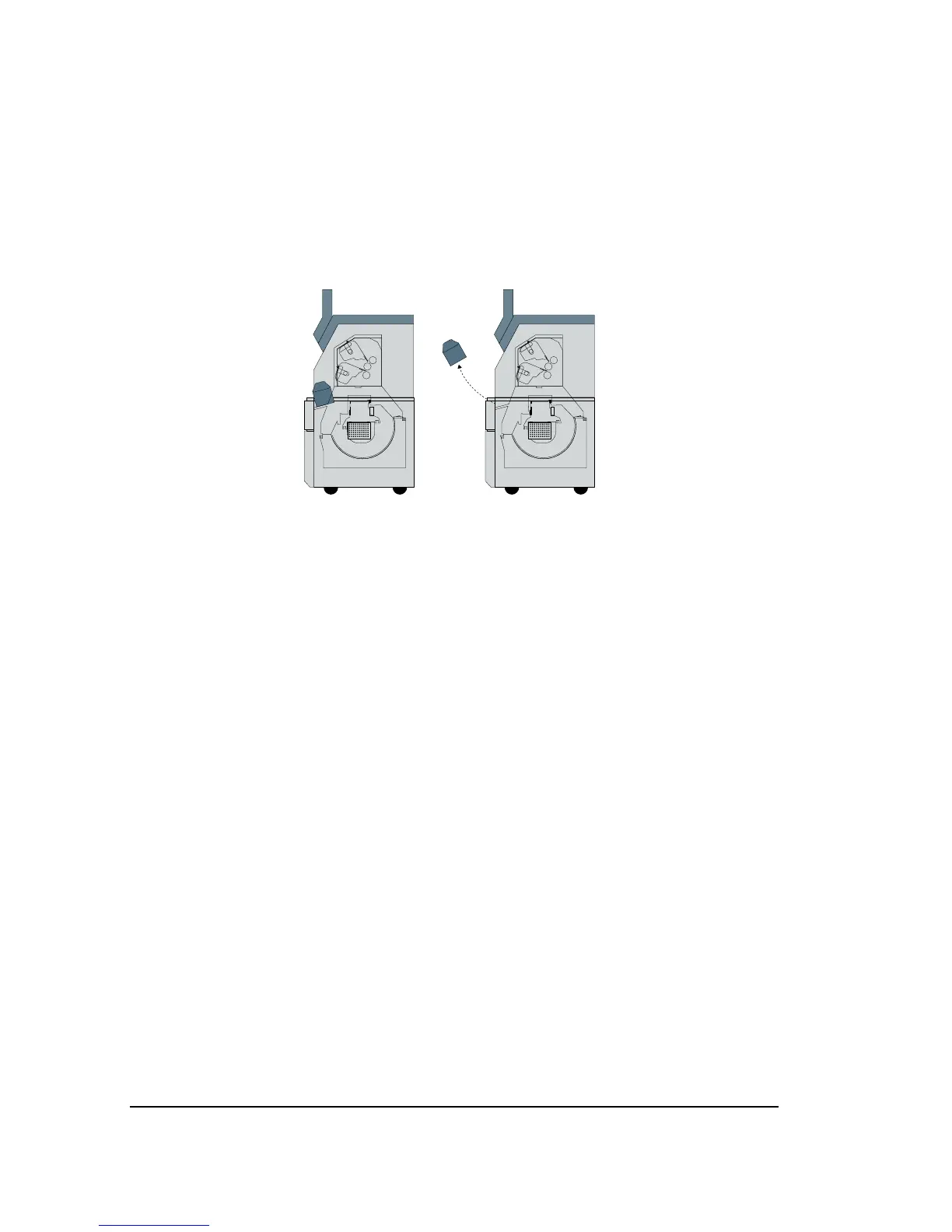
Removing Take-up Cassettes
1. Open the lower front cover.
2. Grab the take-up cassette by the handle at the top.
3. Tilt the cassette toward you and lift it out of the media compart-
ment.
Figure 4.14. Removing the take-up cassette.
Inserting Take-up Cassettes
1. Open the lower front cover.
2. Hold the take-up cassette so that, as you face the imagesetter, the
latch that opens and closes the media slot is on the left.
3. Line up the cassette with the cassette sensor and the take-up drive
wheel and press it down into position. Make sure that the cassette
is securely in place.
3. Close the lower front cover.
4–12
•
SelectSet Avantra User Guide



 To Next Page