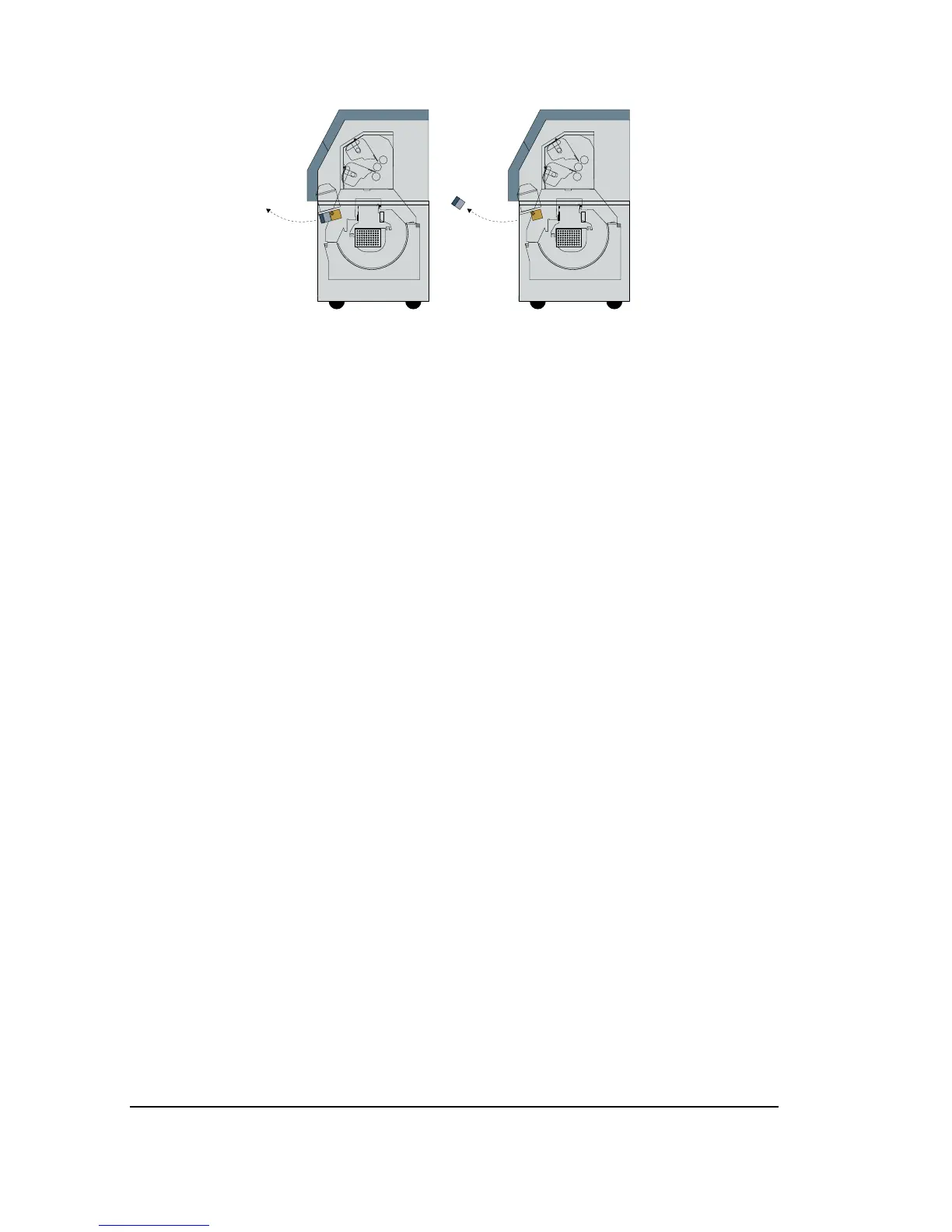
Figure 7.2. Remove the nip drive assembly.
Step 6: Clear any media fragments out of the media path.
Step 7: Put the nip drive assembly back in place.
• Line up the locating pins on the back of the assembly with
those on the mounting plate.
• Tighten the screws.
• Reconnect the wires.
Step 8: Put the light shield back in place.
Step 9: Put the front cover back on the imagesetter and close both
side doors.
Step 10: Start the imagesetter and resume operations.
7–4
•
SelectSet Avantra User Guide



 To Next Page