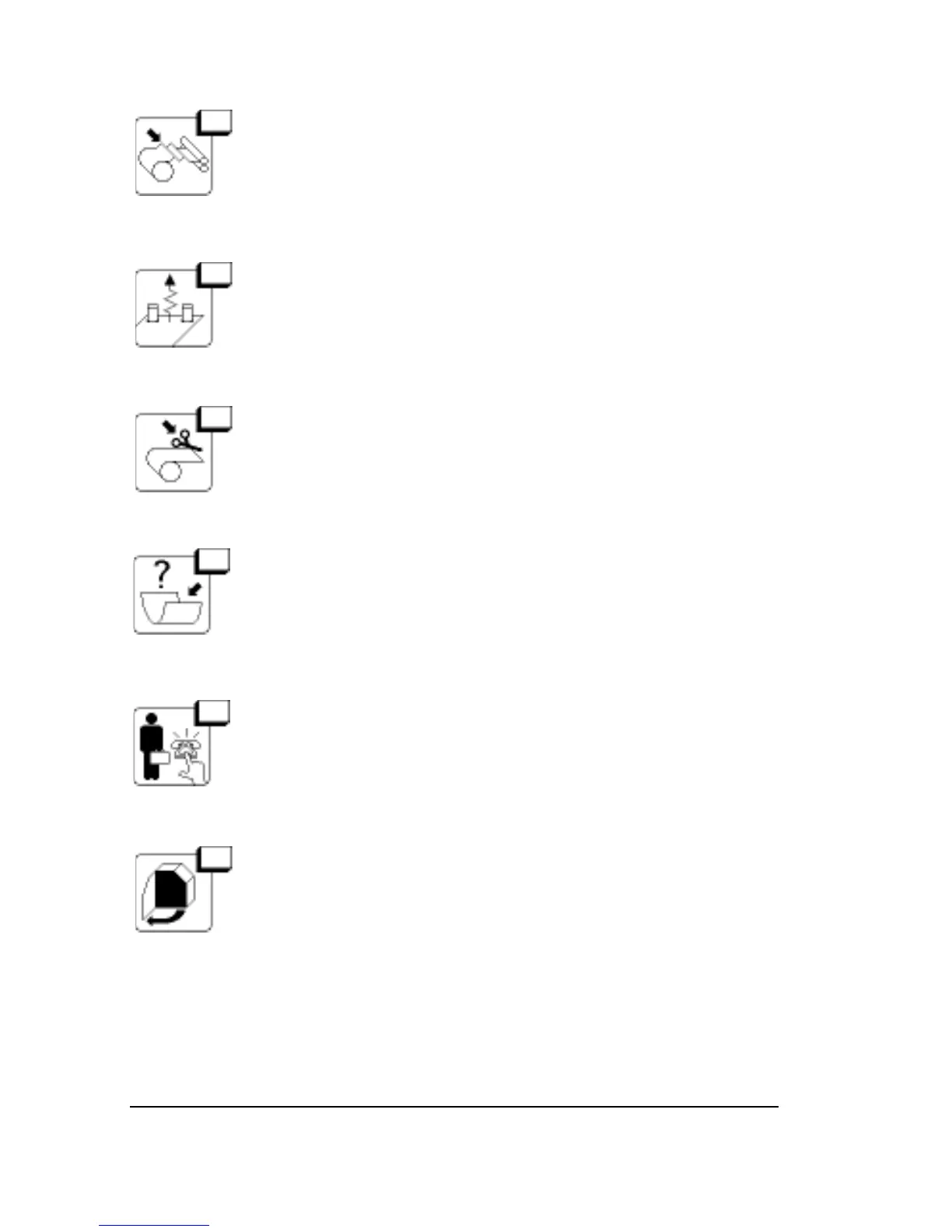
6 Media Jam
Go to the Utilities Screen; press Feed, then Accept. If this
does not clear the error, see the section Unload Media
Using the Utility Screen in this chapter.
7 Output Side Punch Jam
Retry the operation. If the error persists, call for service.
8 Cutter in Media Path
Go to the Utilities Screen; press Cut, then Accept.
11 Carriage Hit End of Travel
Reset. Retry the operation. If the error persists, call for
service.
12 Hardware Error
Reset. If the error persists, call for service.
13 Left Side Door Open
The left door is not securely closed.
Close the door. When you clear the message, the image-
setter resets itself.
6–4
•
SelectSet Avantra User Guide



 To Next Page