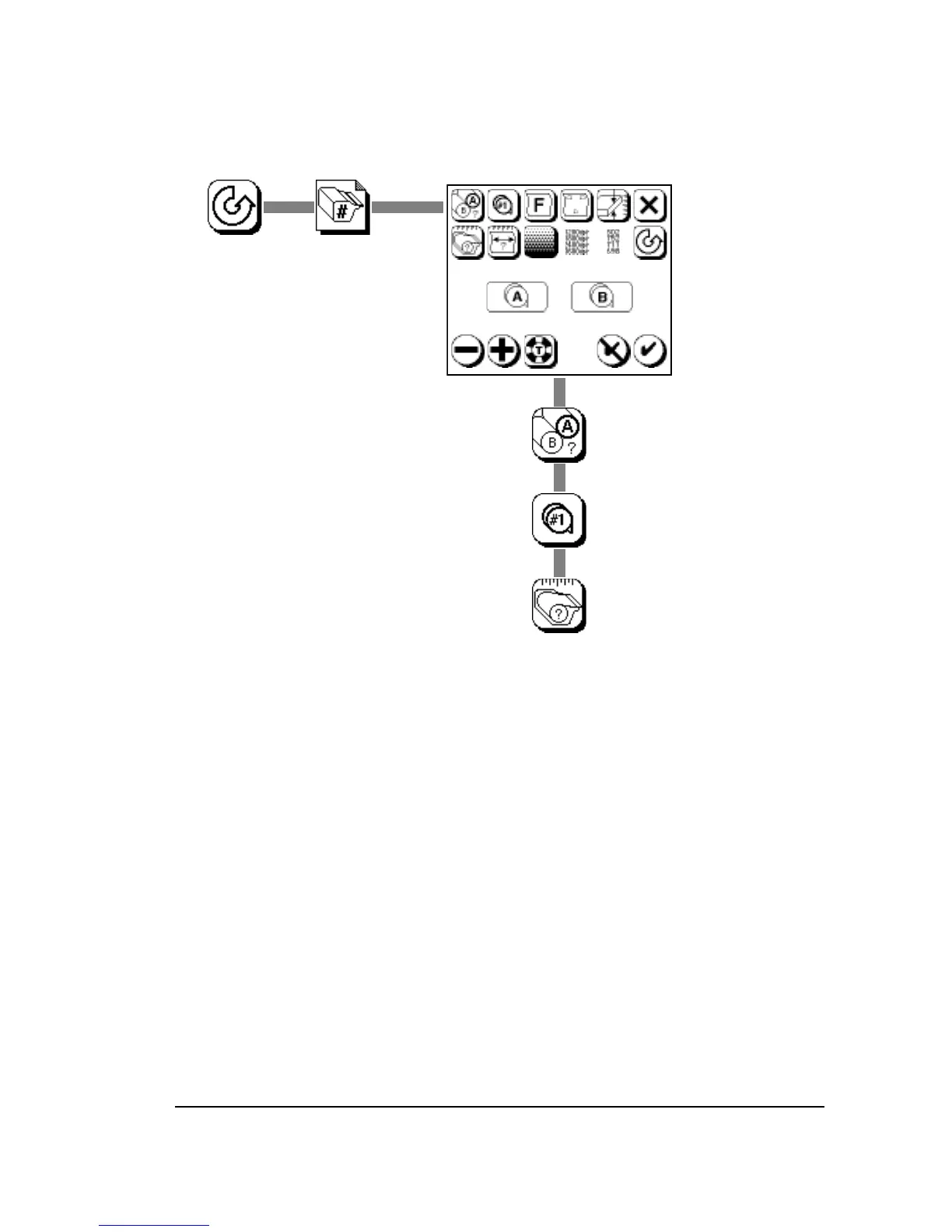
Step 2. Update the cassette parameters.
Make sure that the correct cassette number is assigned to
the supply cassette.
If the cassette is loaded with a new roll of media, reset the
media remaining amount.
Check the other parameters.
If you are loading a new kind of media, run exposure tests.
Press Pause, then Cassette Setup.
Select
Supply
Select A or B
Does the correct cassette
number appear?
Cassette
Number
Reset the Media Amount.
Range:
0.0 to 250.0 ft
0.0 to 76.2 m
Media Amount



 To Next Page