ALIEN MEGA/MAX USER MANUAL
102
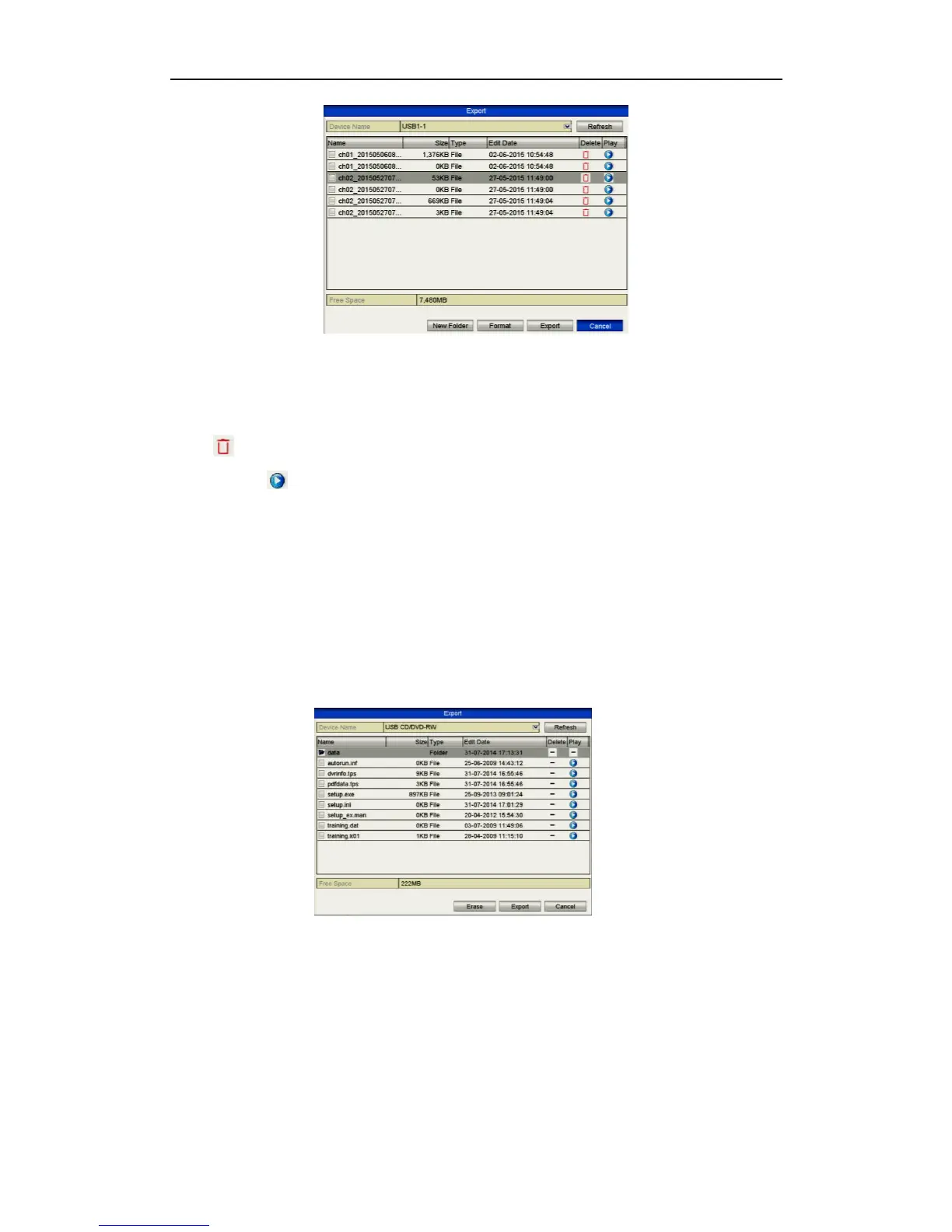
Figure 7.2.3 USB Flash Drive Management
Click New Folder button if you want to create a new folder in the backup
device. Select a recorded file or folder in the backup device and press button
if you want to delete it. Select a recorded file in the backup device and press
button to play it.
Click Format button to format the backup device.
If the inserted USB device is not recognised:
Click the Refresh button.
Reconnect device.
Check for compatibility from vendor.
Management of USB writers
Figure 7.2.4 USB Writer Management
Click Delete button if you want to delete the files from a re-writable CD/DVD.
There must be a re-writable CD/DVD installed.
If the inserted USB writer is not recognised:
Click the Refresh button.
Reconnect device.
Check for compatibility from vendor.



 To Next Page