ALIEN MEGA/MAX USER MANUAL
160
11.5 Upgrading Firmware
Purpose:
The firmware on your DVR can be upgraded by local backup device or remote FTP
server.
Using incorrect firmware can leave your DVR unusable so never try any
firmware upgrade unless you are absolutely sure it is the correct software.
11.5.1 Upgrading by Local Backup Device
Steps:
1. Connect your DVR with a local backup device where the update firmware file is
located.
2. Enter the Upgrade interface.
Menu > Tools > Upgrade
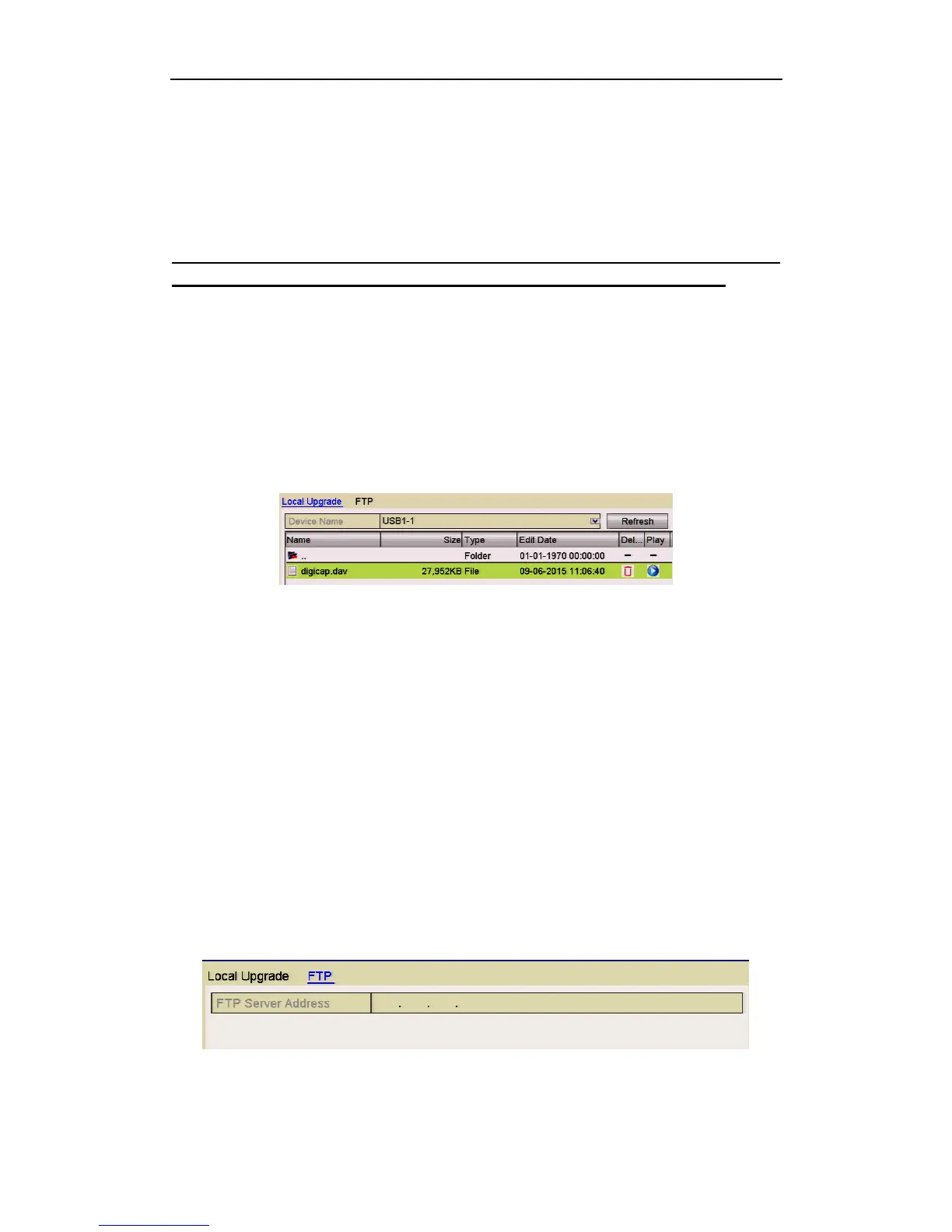
3. Click the Local Upgrade tab to enter the local upgrade menu.
Figure 11.5.1.1 Local Upgrade Interface
4. Select the update file from the backup device.
5. Click the Upgrade button to start upgrading.
6. After the upgrading is complete, reboot the DVR to activate the new firmware.
11.5.2 Upgrading by FTP
Before you start:
Configure PC (running FTP server) and DVR in the same Local Area Network. Run
the 3
rd
-party TFTP software on the PC and copy the firmware into the root directory
of TFTP.
Steps:
1. Enter the Upgrade interface.
Menu > Maintenance > Upgrade
2. Click the FTP tab to enter the local upgrade interface as shown.
Figure 11.5.2.1 FTP Upgrade Interface
3. Enter the FTP Server Address in the text field.



 To Next Page