ALIEN MEGA/MAX USER MANUAL
162
Chapter 12 Others
12.1 Configuring RS-232 Serial Port
Purpose:
The RS-232 port can be used in two ways:
Parameters Configuration: Connect a PC to the device through the PC serial port.
Device parameters can be configured by using software such as HyperTerminal. The
serial port parameters must be the same as the device’s when connecting through the
PC serial port.
Transparent Channel: Connect a serial device directly to the device. The serial
device will be controlled remotely by the PC through the network.
Steps:
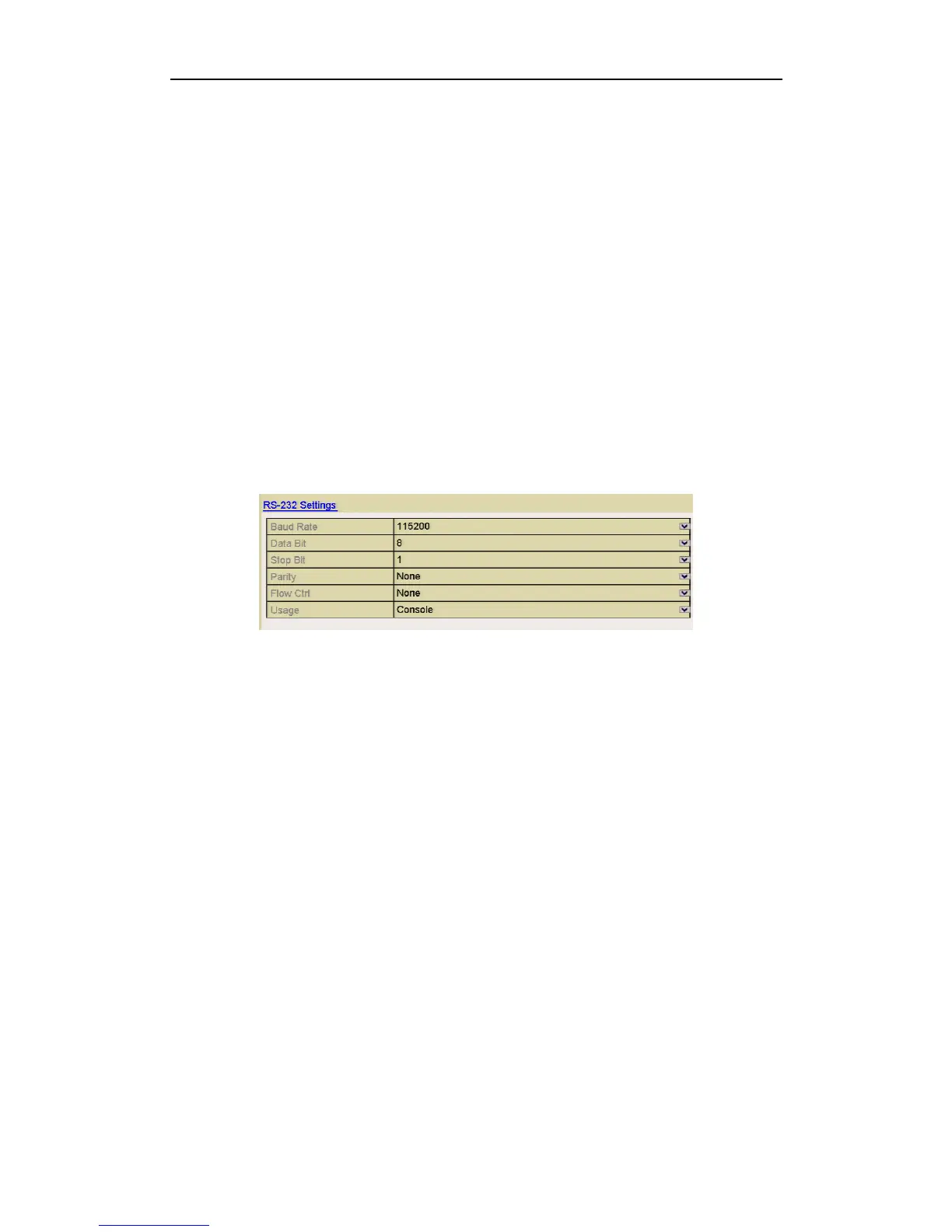
1. Enter the RS-232 Settings interface.
Menu > Setup > RS-232
Figure 12.1.1 RS-232 Settings Interface
2. Configure RS-232 parameters, including baud rate, data bit, stop bit, parity, flow
control and usage.
3. Click Apply to save the settings.
12.2 Configuring General Settings
Purpose:
You can configure the output resolution, system time, mouse pointer speed, etc.
Steps:
1. Enter the General Settings interface.
Menu > Setup > General
2. Select the General tab.



 To Next Page