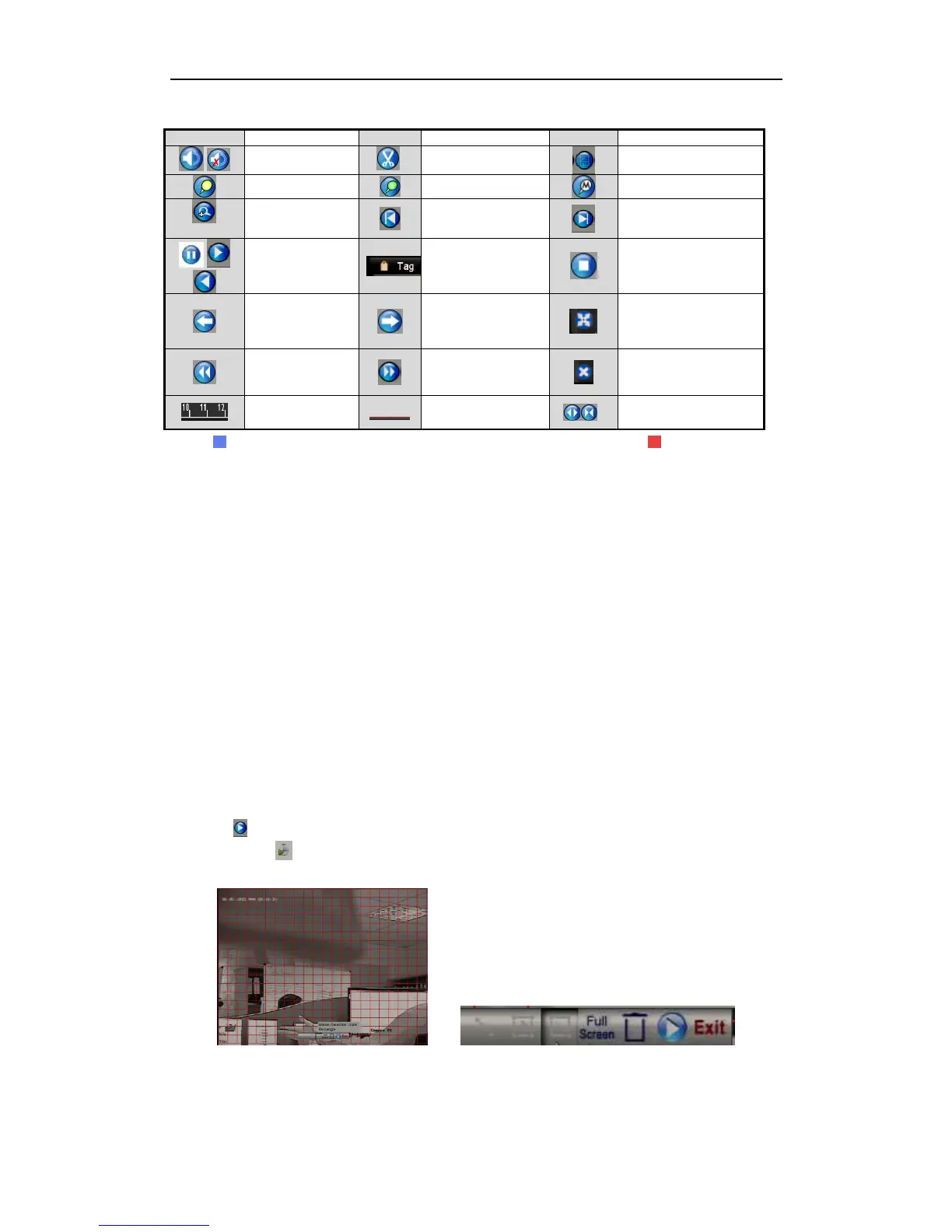
(blue) represents normal recording (manual or schedule); (red) represents
event recording (motion, alarm, motion | alarm, motion & alarm).
Playback progress bar: use the mouse to click any point on the progress bar to
locate required recorded picture frames.
6.1.5 Playing Back by Instant Detective
Purpose:
The Instant Detective playback function provides an easy way to get through the less
effective information. When you select the Instant Detective playback mode, the
system will analyse the video containing motion or VCA information, and mark it
with a green colour on the playback process bar. The filtering rules for recorded files
and playback speed for the non-related and related video, can be configured
independently.
The playback by Instant Detective search is not supported for IP cameras.
Steps:
1. Enter the Instant Detective Playback interface.
2. Select a camera from the camera list, then the date in the calendar and then click
the button to play.
3. Click the on the toolbar to enter Instant Detective Search mode. The smart
search toolbar appears at the bottom of the screen.
Figure 6.1.5.1 Draw Area for Smart Search



 To Next Page