ALIEN MEGA/MAX USER MANUAL
142
To decrease the power consumption of the device and extend the life of the HDDs, the
HDDs that are not in continuous use, can be put into sleep mode.
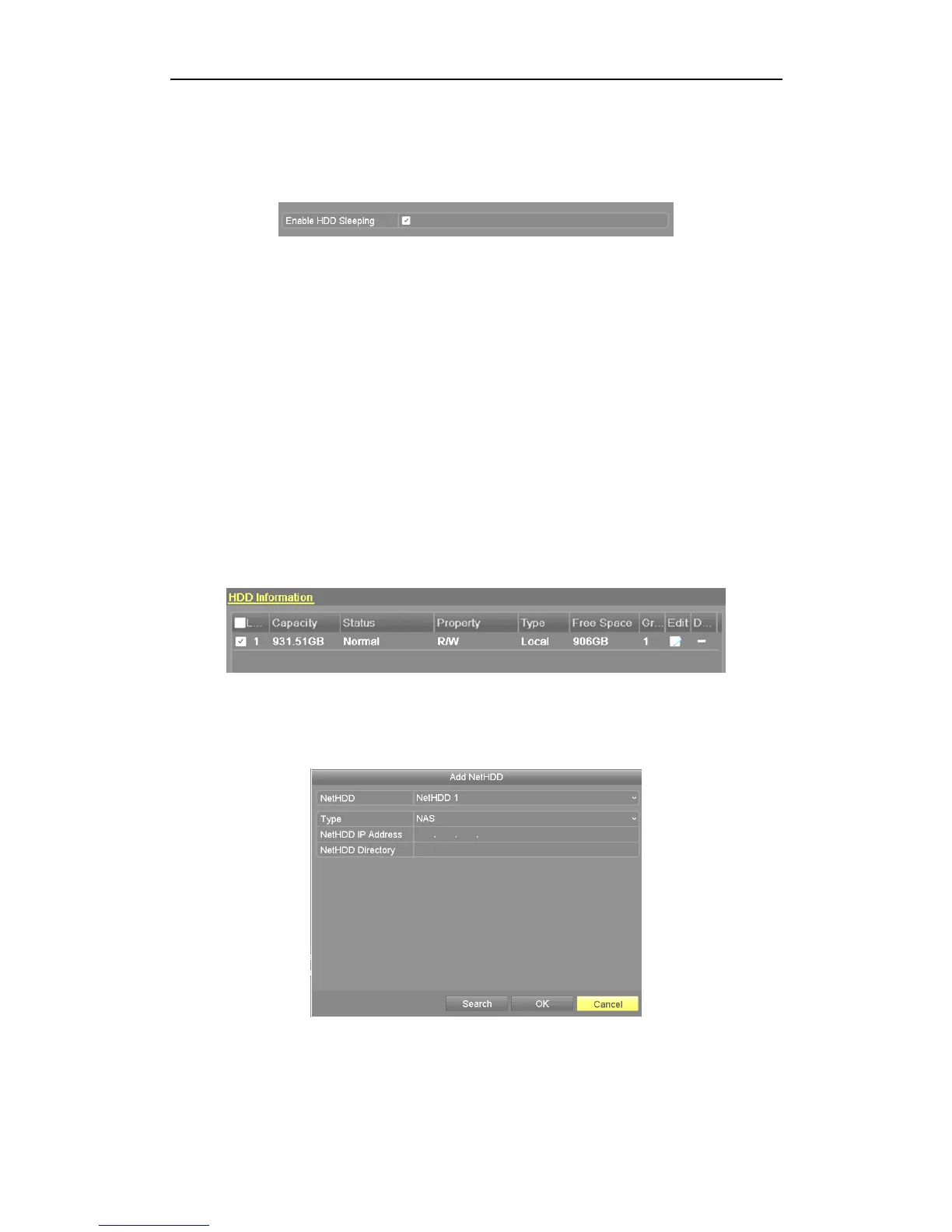
Click Menu > Drives > Advanced.
Figure 10.1.5 Enable HDD Sleeping
Click the checkbox to Enable HDD Sleeping (by default) and the HDDs that are not
in continuous use, will be place in sleeping mode.
Unclick the checkbox for Enable HDD Sleeping and the HDDs will work
continuously.
10.2 Managing Network HDD
Purpose:
You can add the allocated NAS or IP SAN disk and use it as a network HDD.
Steps:
1. Enter the HDD Information interface.
Menu > Drives>General
Figure 10.2.1 HDD Information Interface
2. Click the Add button to enter the Add NetHDD interface, as shown below.
Figure 10.2.2 HDD Information Interface



 To Next Page