ALIEN MEGA/MAX USER MANUAL
90
4. Playback management.
The toolbar in the bottom part of Playback interface can be used to control
playing process.
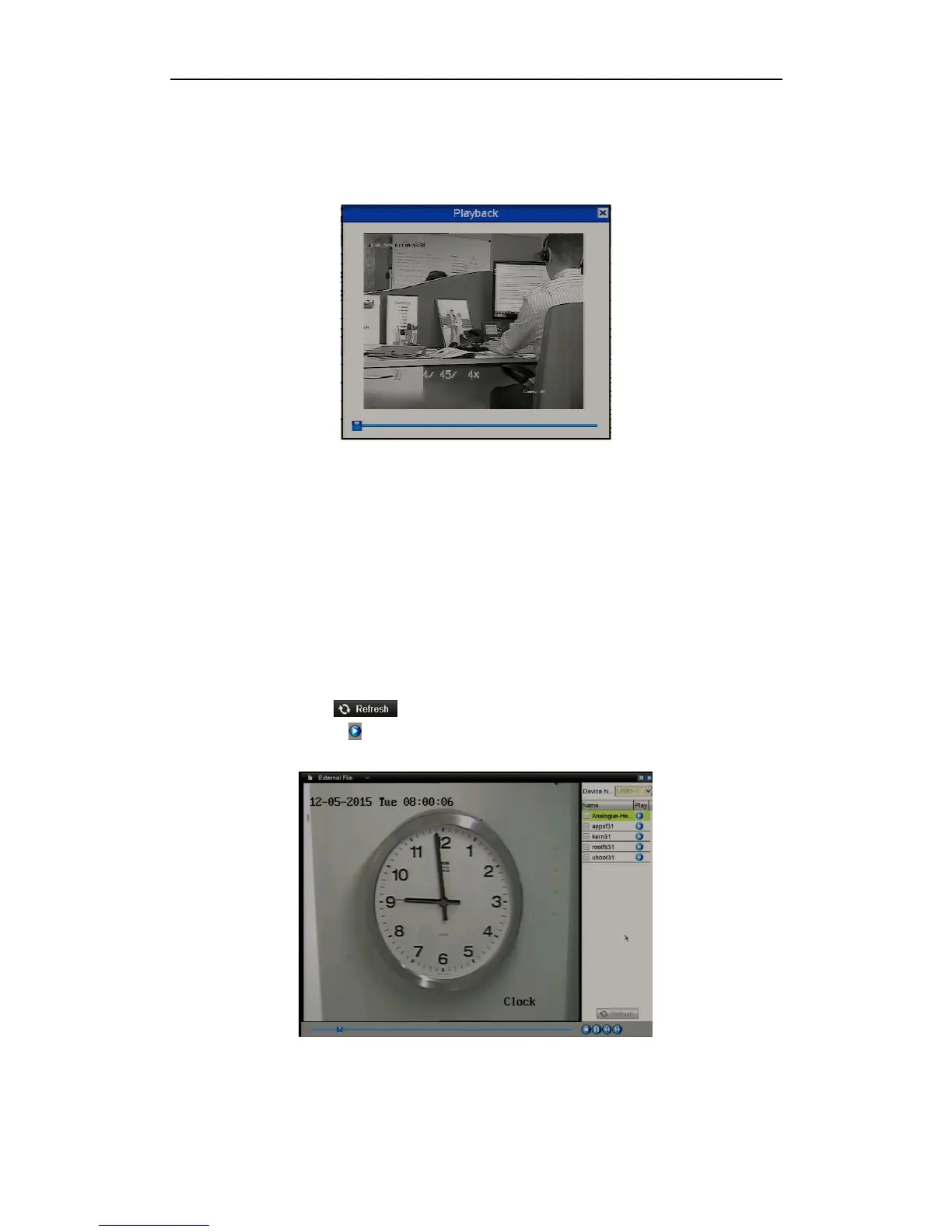
Figure 6.1.6.3 Interface of Playback by Log
6.1.7 Playing Back External File
Purpose:
Perform the following steps to look up and play back files on external devices.
Note that playback will only work with this DVR’s supported camera formats.
Steps:
1. Enter the Playback Search interface.
Menu>Playback
2. Select the External File in the drop-down list on the top-left side.
The files are listed on the righthand side of the screen.
You can click the button to refresh the file list.
3. Select and click the button to start playback.
Figure 6.1.7.1 Interface of External File Playback



 To Next Page