ALIEN MEGA/MAX USER MANUAL
84
video will plays back until 11:00:05.
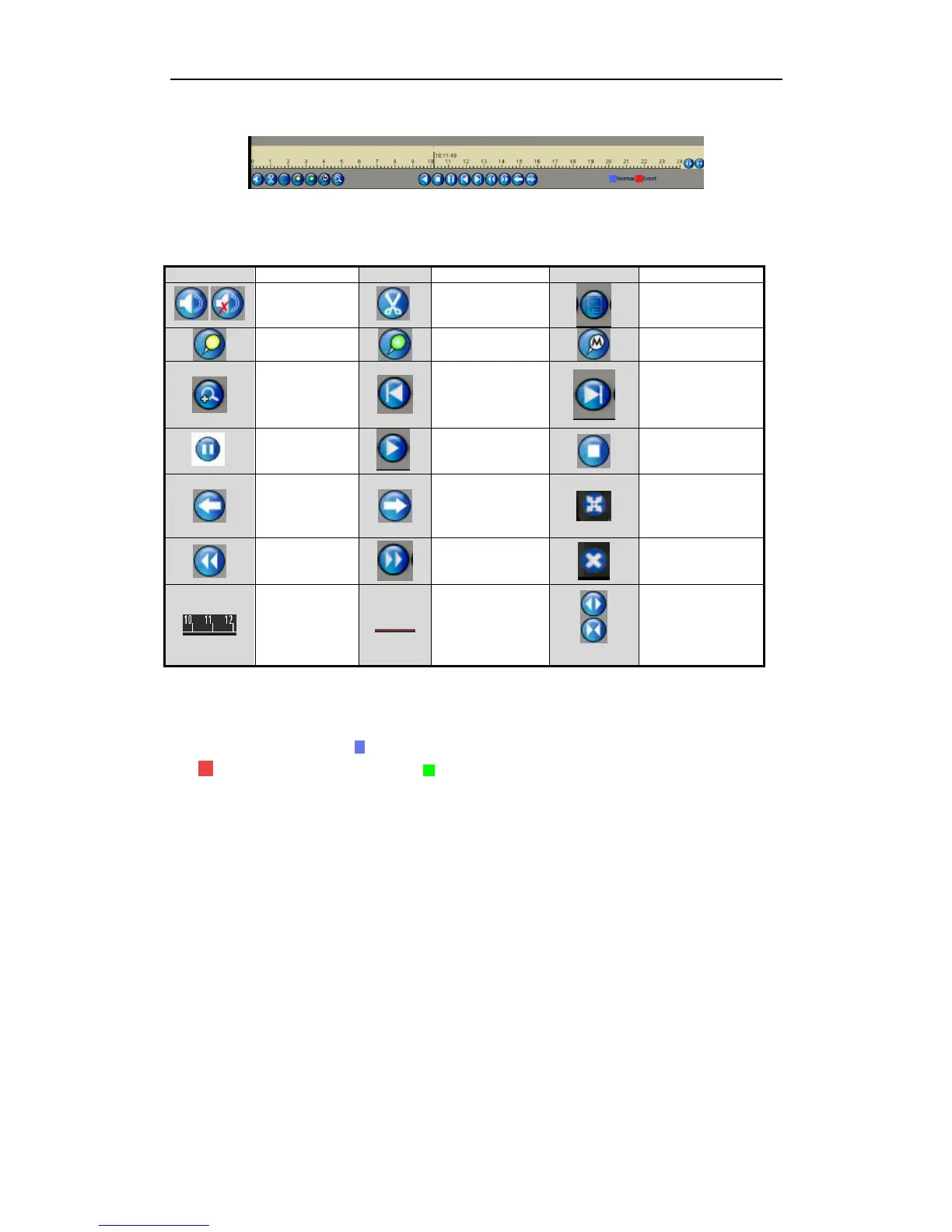
Figure 6.1.3.5 Toolbar of Playback by Event
Detailed Explanation of Playback-by-event Interface
Playback progress bar: use the mouse to click any point on the progress bar or drag
the progress bar to locate special frames.
About video type bar: represents normal recording (manual or schedule);
represents event recording; represents smart search recording.
6.1.4 Playing Back by Tag
Purpose:
Video tag allows you to record related information like people and location of a
certain time point during playback. You are also allowed to use video tag(s) to search
for record files and position time point.
Before playing back by tag:
1. Enter Playback interface.
Menu>Playback
2. Search and playback the recorded file(s). Refer to Chapter 6.1.1 Playing Back by
Channel for the detailed information about searching and playing back the
recorded files. Note must be in Normal Mode at this point. Now start playback.



 To Next Page