ALIEN MEGA/MAX USER MANUAL
67
5.4 Configuring Alarm Triggered Record
Purpose:
Follow the procedure to configure alarm trigger recording.
Steps:
1. Enter the Alarm setting interface.
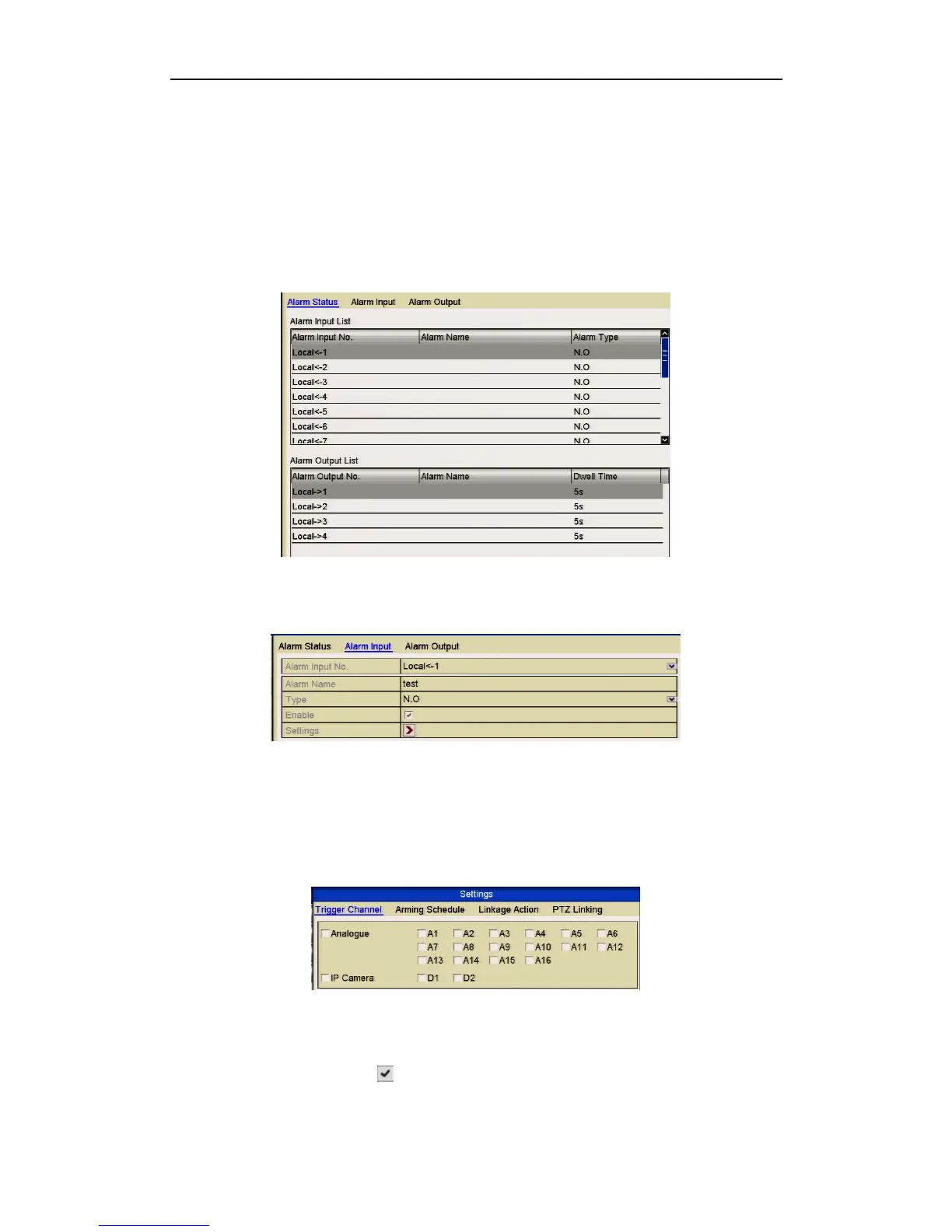
Menu> Setup> Alarm
Figure 5.4.1 Alarm Settings
2. Click the Alarm Input tab.
Figure 5.4.2 Alarm Settings- Alarm Input
1) Select Alarm Input number and configure alarm parameters.
2) Choose N.O (normally open) or N.C (normally closed) for alarm type.
3) Click the Enable checkbox.
4) Click the Settings button.
Figure 5.4.3 Alarm Handling
5) Choose the alarm triggered recording channel.
6) Click the checkbox to select channel.
7) Click Apply to save settings.



 To Next Page