ALIEN MEGA/MAX USER MANUAL
96
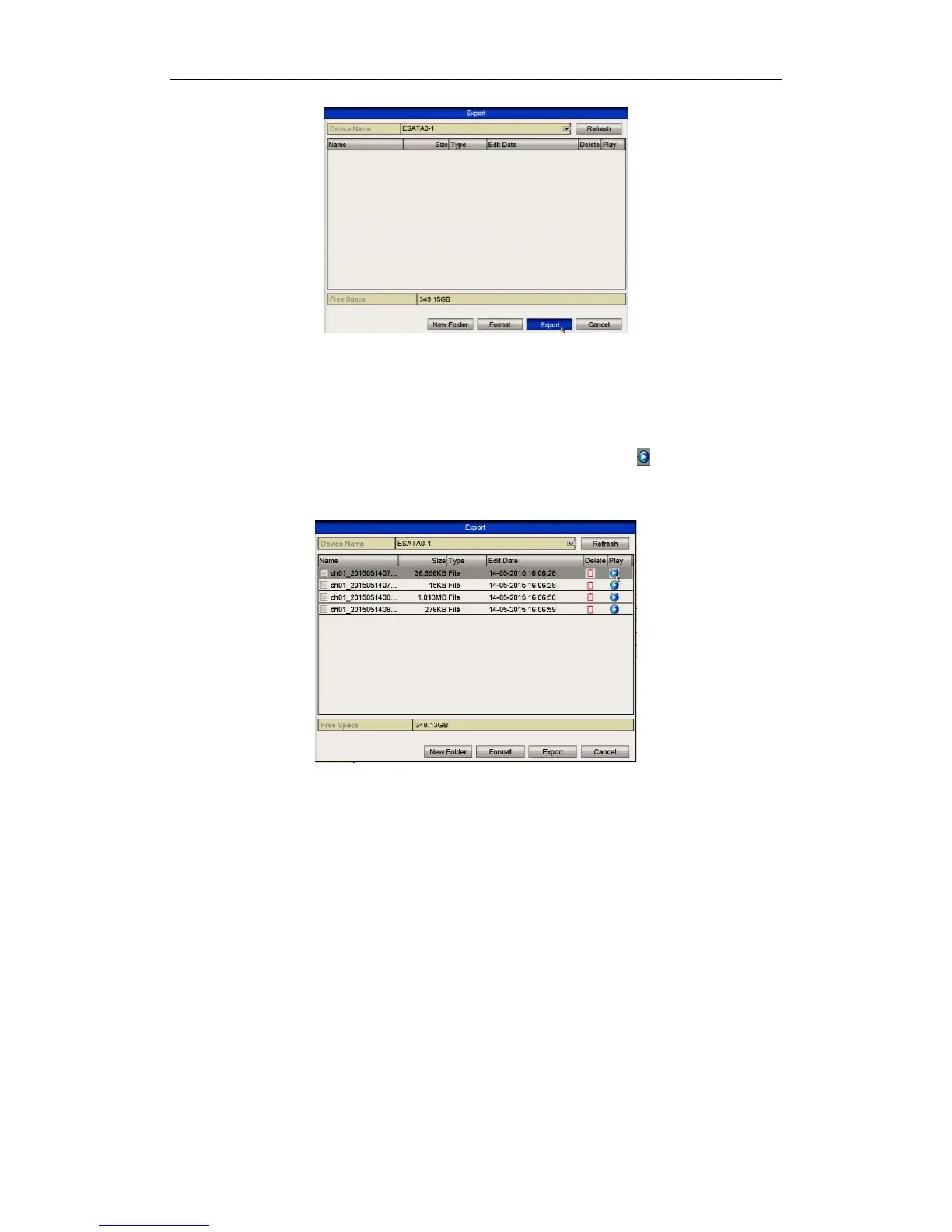
Figure 7.1.1.6 Export by Normal Video Search Using eSATA HDD
Stay in the Exporting interface until all recorded files are exported with display
message “Export finished”.
5. Check backup result.
Choose the recorded file in Export interface and click button to check it.
The player.exe program will also be exported automatically during the export if
selected.
Figure 7.1.1.7 Checkup of Export Result Using eSATA HDD
7.1.2 Backing up by Event Search
Purpose:
Back up event-related recording files using USB devices, such as USB flash drives,
USB HDDs, and USB writer.
Steps:
1. Enter Export interface.
Menu>Backup>Event
2. Search for events.
1) Select Motion, Alarm Input, Line Crossing Detection or Intrusion
Detection as the type.
Here we take the backup by motion detection as an example.
Backup by alarm input is not supported on some models.



 To Next Page