ALIEN MEGA/MAX USER MANUAL
165
12.5 Managing User Accounts
Purpose:
There is a default account in the DVR: Administrator. The Administrator user name is
admin and the password is 555555. The Administrator has the permission to
add and delete users and configure user parameters.
12.5.1 Adding a User
Steps:
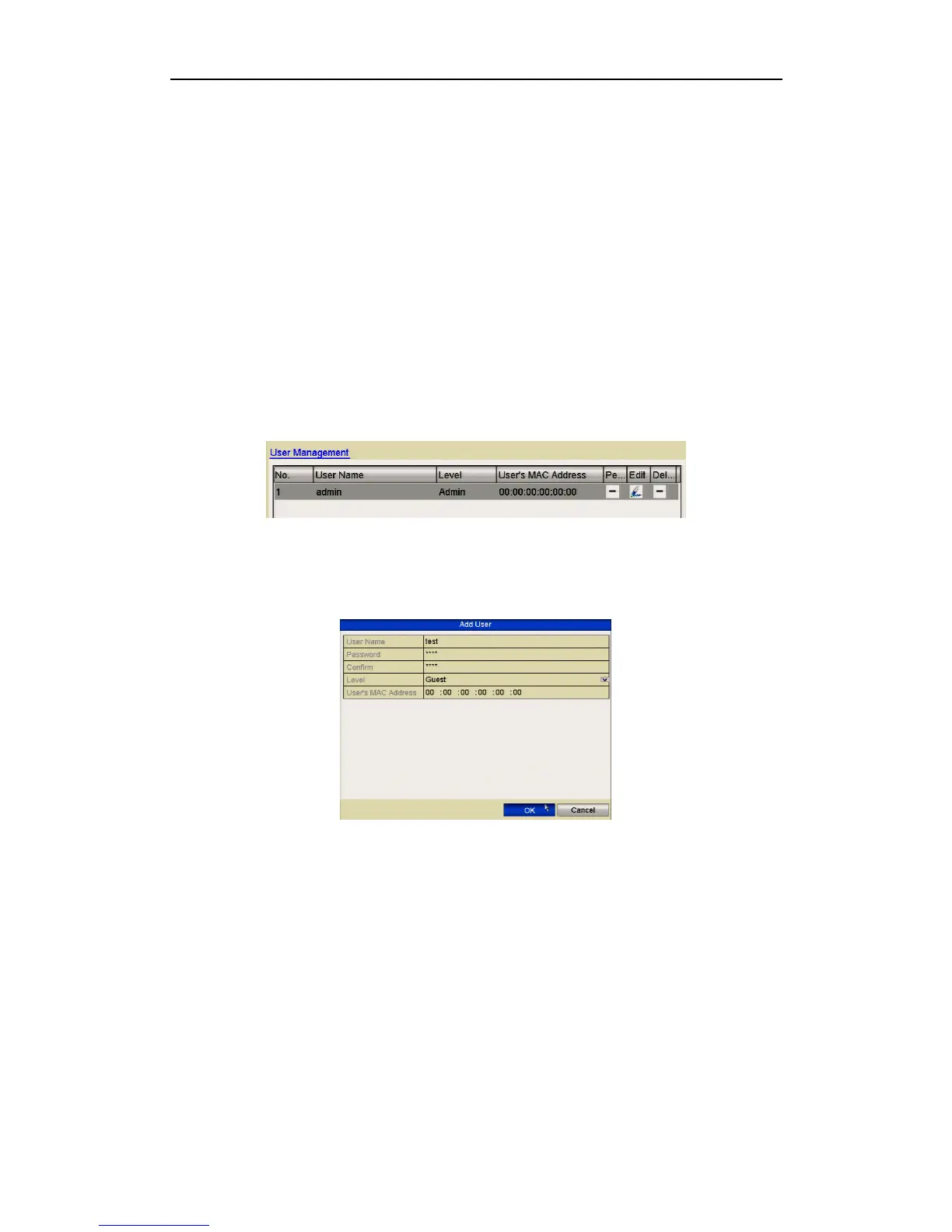
1. Enter the User Management interface.
Menu > Setup > User
Figure 12.5.1.1 User Management Interface
2. Click the Add button to enter the Add User interface.
Figure 12.5.1.2 Add User Menu
3. Enter the information for new user, including User Name, Password, Level and
User’s MAC Address.
Level: Set the user level to Operator or Guest. Different user levels have different
operating permissions.
• Operator: The Operator user level has permission for Local Log Search in
Local Configuration, Remote Log Search and Two-way Audio in Remote
Configuration and all operating permissions in Camera Configuration.
• Guest: The Guest user has permission for Local Log Search in Local
Configuration, Remote Log Search in Remote Configuration and only has the



 To Next Page