ALIEN MEGA/MAX USER MANUAL
29
Chapter 2 Getting Started
2.1 Starting Up and Shutting Down the DVR
Purpose:
Proper startup and shutdown procedures are crucial for extending the life of the DVR.
Before you start:
If the DVR uses an external power supply check that the voltage matches the DVR’s
requirement.
Starting the DVR
Steps:
1. Check the power supply is plugged into an electrical outlet. It is HIGHLY
recommended that an Uninterruptible Power Supply (UPS) be used in
conjunction with the device.
2. Turn on the power switch on the rear panel, and the Power indicator LED should
turn on indicating that the unit is starting the bootup procedure.
3. After startup, the Power indicator LED remains on.
4. Click the right mouse button and select Menu, or Menu button on the front panel
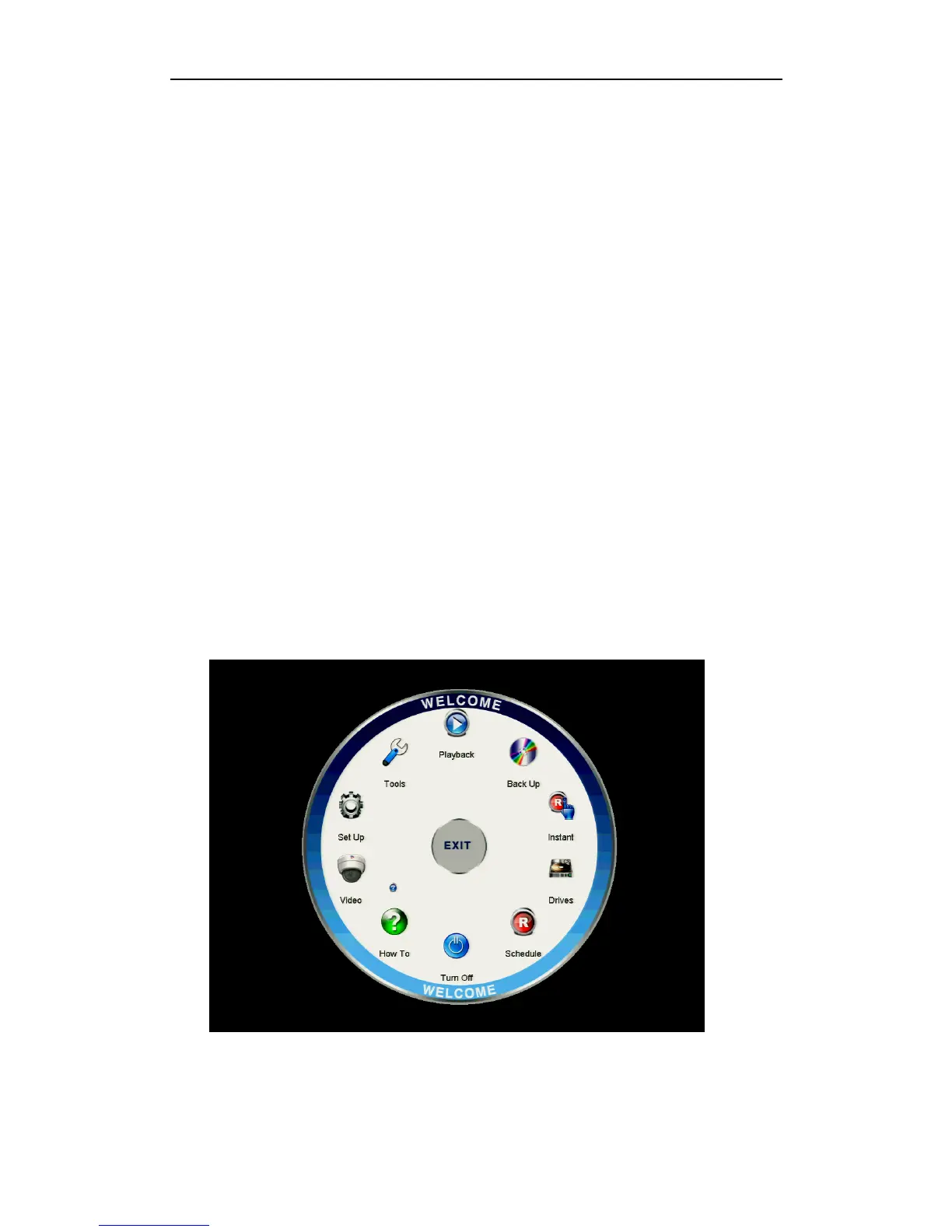
of the DVR if applicable, to enter the Menu Welcome screen.
Figure 2.1.1 Menu Welcome Screen



 To Next Page