ALIEN MEGA/MAX USER MANUAL
30
Shutting down the DVR
Steps:
There are two correct ways to shut down the DVR. To shut down the DVR:
OPTION 1: Standard shutdown
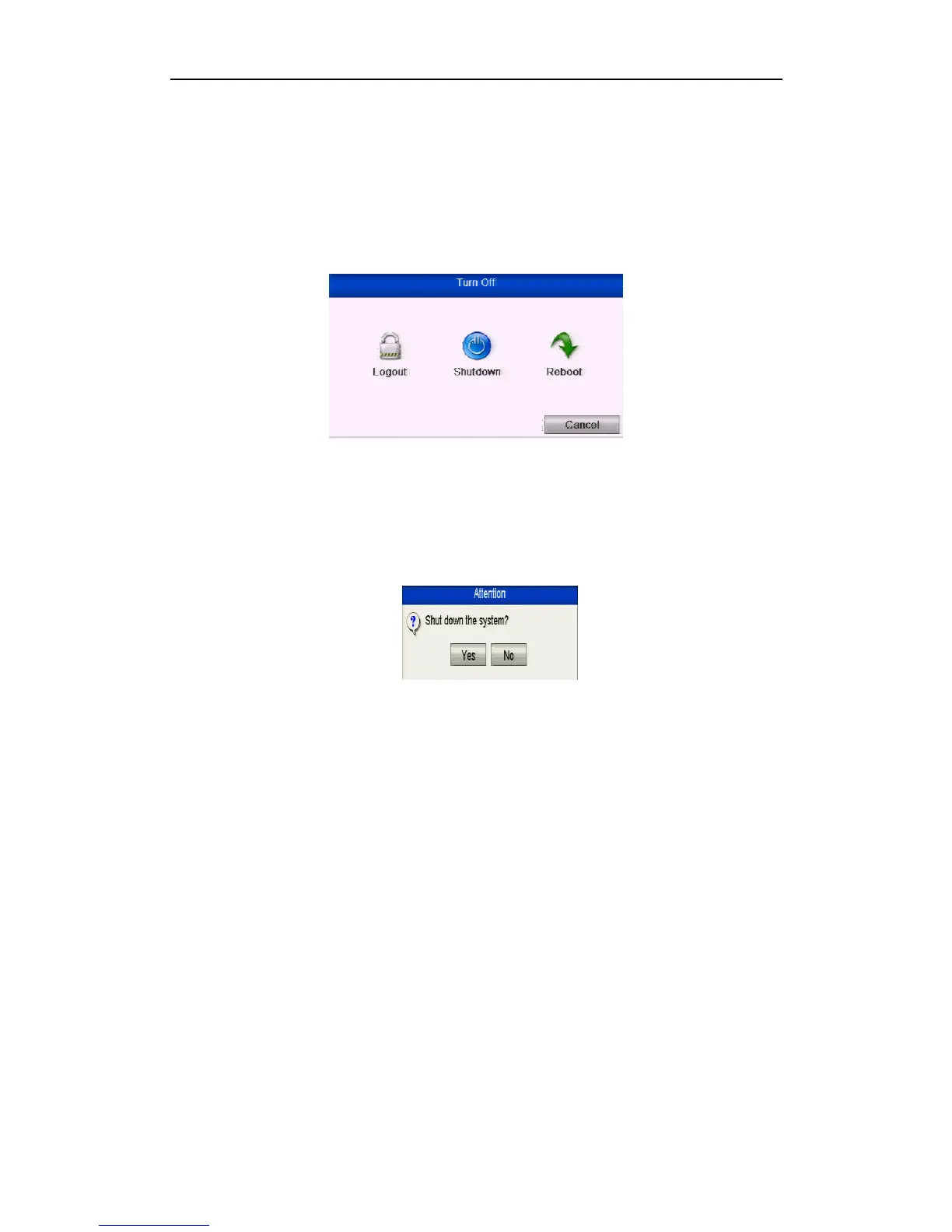
1. Enter the Shutdown menu.
Menu > Turn Off
Figure 2.1.2 Shutdown Menu
2. Select the Shutdown button.
3. Click the Yes button.
4. Turn off the power switch on the rear panel following display below.
(for MEGA200 series).
Figure 2.1.3 Shutdown Display
OPTION 2: By operating the front panel (for MAX316 and MAX416)
1. Press and hold the POWER button on the front panel for 3 seconds.
2. Enter the administrator’s username and password in the dialogue box for
authentication.
3. Click the Yes button.
SPECIAL NOTE
Do not press the POWER button again when the system is shutting down.
The device remains in standby mode after shutting down, and the POWER
indicator turns red; you can turn on the device by pressing the POWER button
on the remote control.
Rebooting the DVR
Steps:
1. Enter the Shutdown menu by clicking Menu > Shutdown.
2. Click the Logout button to log out or the Reboot button to reboot the DVR.



 To Next Page