ALIEN MEGA/MAX USER MANUAL
145
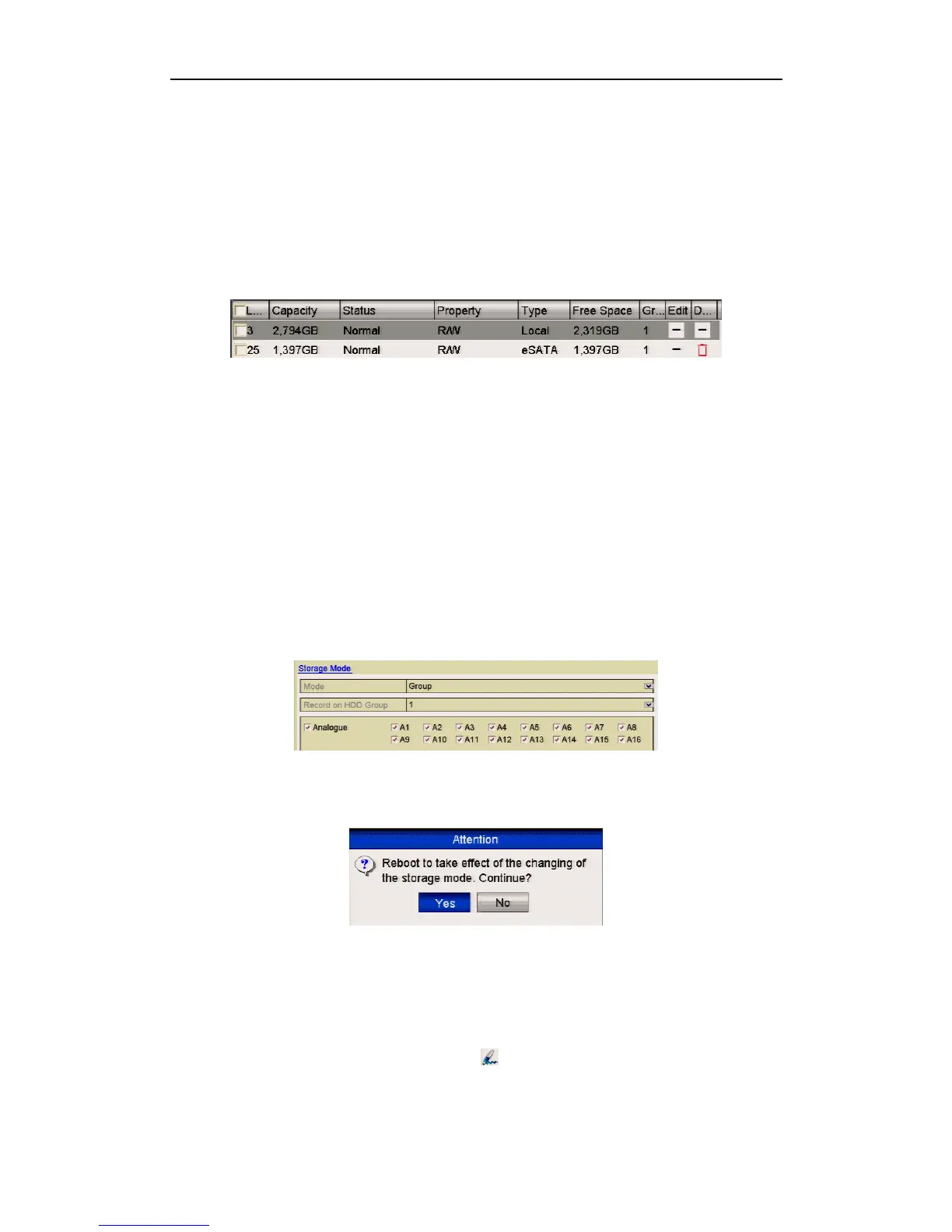
3. When the eSATA type is selected to Record, enter the HDD Information
interface.
Menu > HDD>General
4. Edit the property of the selected eSATA, or initialise it as required.
Two storage modes can be configured for the eSATA when it is used for Record.
Please refer to Managing HDD Group and Configuring Quota Mode for details.
Figure 10.3.2 Format Added eSATA
10.4 Managing HDD Group
10.4.1 Setting HDD Groups
Purpose:
Multiple HDDs can be managed in groups. Video from specified channels can be
recorded onto a particular HDD group through HDD settings.
Steps:
1. Enter the Storage Mode interface.
Menu > Drives > Advanced
2. Set the Mode to Group, as shown below.
Figure 10.4.1.1 Storage Mode Interface
3. Click the Apply button and the following will be displayed.
Figure 10.4.1.2 Attention for Reboot
4. Click the Yes button to reboot the device to activate the changes.
5. After the reboot enter the HDD Information interface.
Menu > Drives > General
6. Select HDD from the list and click the icon to enter the Local HDD Settings
interface.



 To Next Page