ALIEN MEGA/MAX USER MANUAL
99
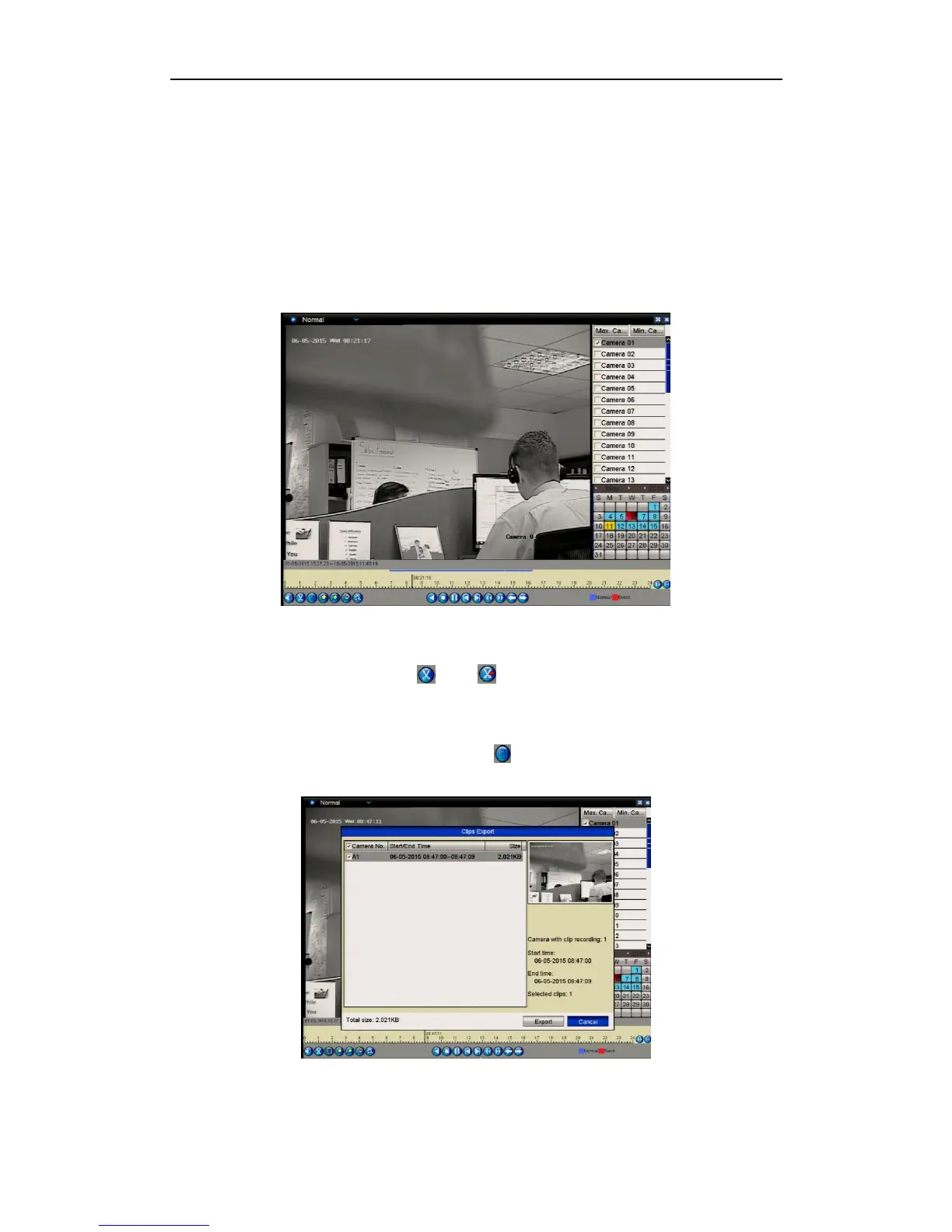
7.1.3 Backing up Video Clips
Purpose:
You may also select video clips to export directly during Playback, using USB
devices, such as USB flash drives, USB HDDs, and USB writers.
Steps:
1. Enter Playback interface.
Please refer to Chapter 6 Playback.
Figure 7.1.3.1 Interface of Playback
2. During playback, use buttons and in the playback toolbar to start and
stop the file clipping option.
3. Right click the mouse and click the icon to enter the Clip Export interface.
Figure 7.1.3.2 Clip Export



 To Next Page