ALIEN MEGA/MAX USER MANUAL
81
Click the channel(s) if you want to switch playback to another channel or execute
simultaneous playback of multiple channels.
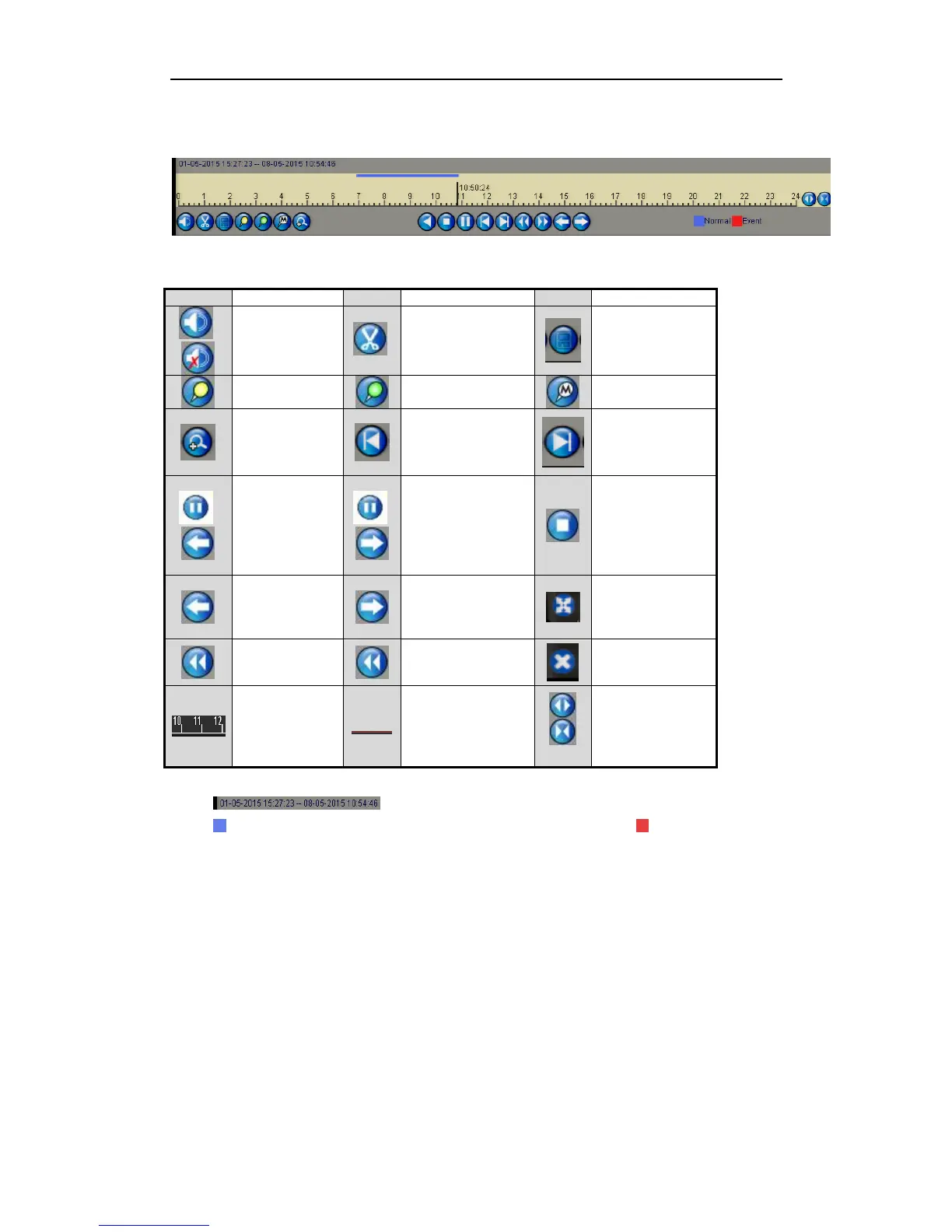
Figure 6.1.1.4 Toolbar of Playback
indicates the start time/end time of the record files.
represents normal recording (manual or schedule); represents event
recording (motion, alarm, motion | alarm, motion & alarm).
Progress Bar: click any point of the progress bar to locate selected frames.
6.1.2 Playing Back by Time
Purpose:
Play back video files recorded in specified time duration. Multi-channel simultaneous
playback and channel switch are supported.
Steps:
1. Enter playback interface.
Menu>Playback
2. Check the checkbox of channel(s) in the channel list and then double-click to
select a date on the calendar.



 To Next Page