ALIEN MEGA/MAX USER MANUAL
31
2.2 Using the Wizard for Basic Configuration
As the DVRs are setup when the hard drives are installed, using the Setup Wizard is
generally not necessary. However if for whatever reason the unit needs to be set for
basic operation, then this facility may be useful. You can cancel options not required
as you run through the setup.
If initiated the Setup Wizard will start once the DVR has loaded, as shown below.
Steps:
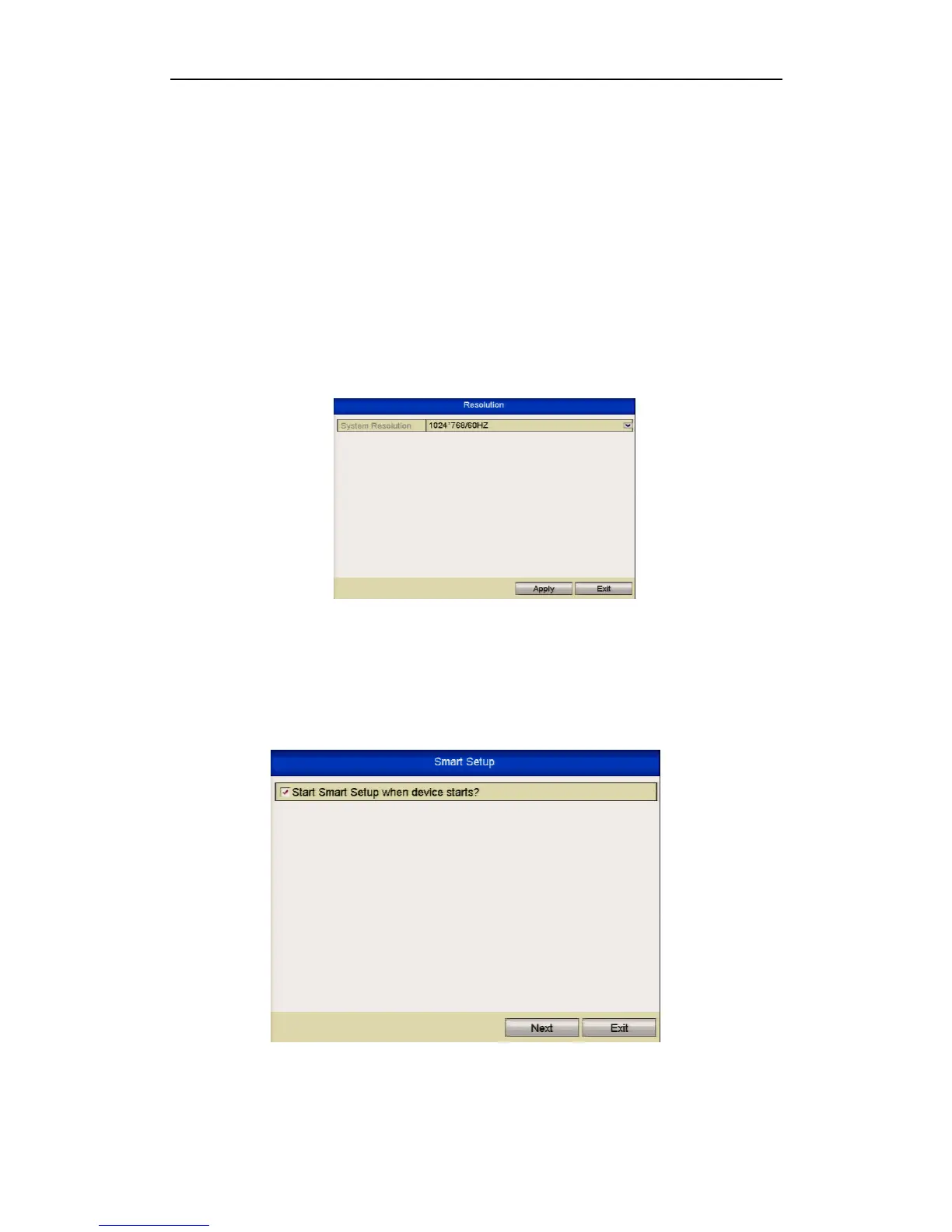
1. Please select the resolution of the monitor in the drop-down list.
Figure 2.2.1 Resolution Selection
2. The Setup Wizard walks you through some important settings in the DVR. If you
do not want to use the Setup Wizard at this time, click the Cancel button. You
can also choose to use the Setup Wizard next time by leaving the “Start wizard
when device starts?” checkbox in checked status.
Figure 2.2.2 Start Wizard Interface



 To Next Page