ALIEN MEGA/MAX USER MANUAL
32
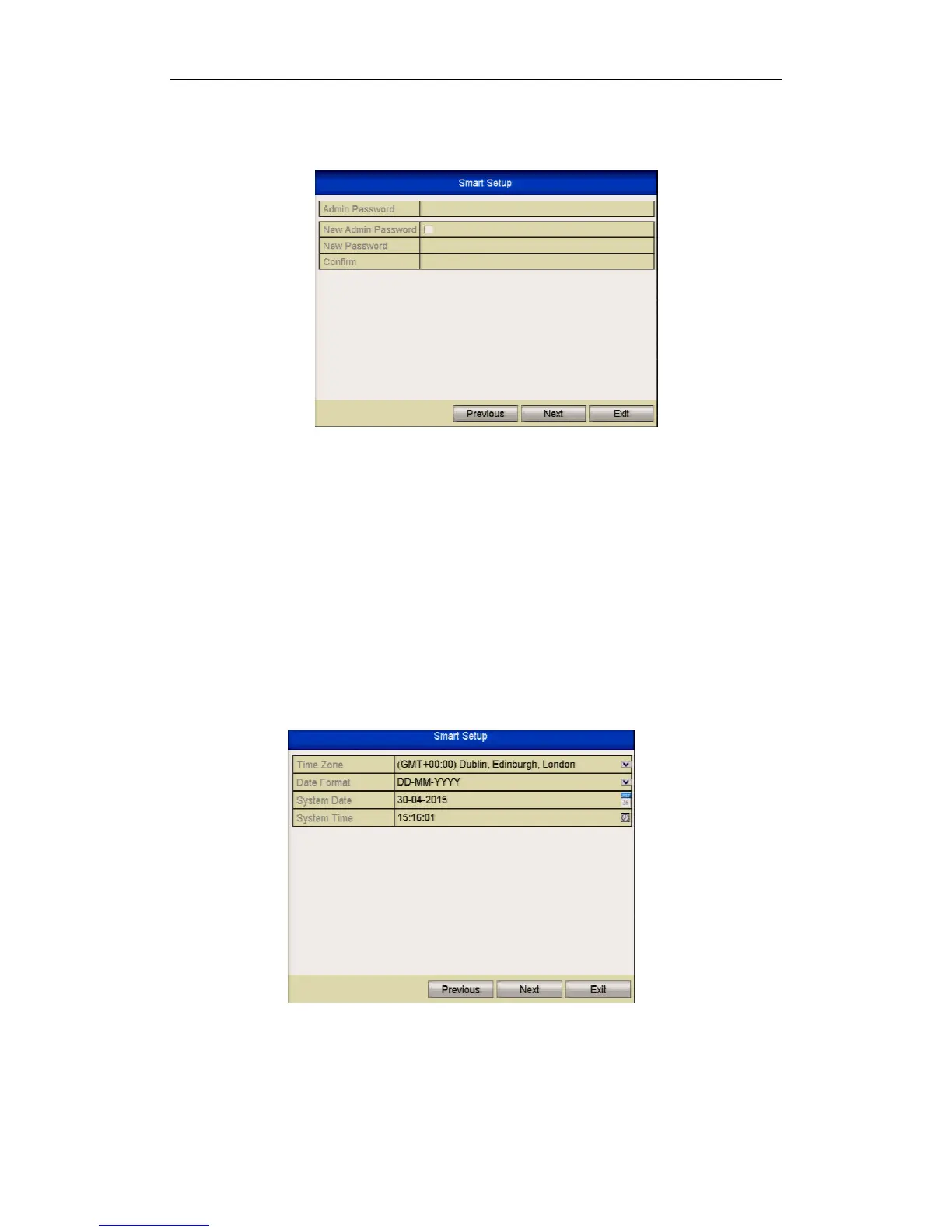
3. Click Next button on the Wizard window to enter the Login window as shown.
Figure 2.2.3 Login Window
4. Enter the admin password. By default, the password is 555555.
NOTE: It is highly recommended that you change the default password if you
are networking the DVR. Failure to do this could allow access to your DVR
from malware that may leave the unit unusable.
5. To change the admin password, click the New Admin Password checkbox. Enter
the new password and confirm the password in the given fields.
6. Click the Next button to enter the date and time settings window, as shown below
Figure 2.2.4 Date and Time Settings
7. After the time settings, click Next button which will take you back to the General
Network Setup Wizard window, as shown below.



 To Next Page