ALIEN MEGA/MAX USER MANUAL
132
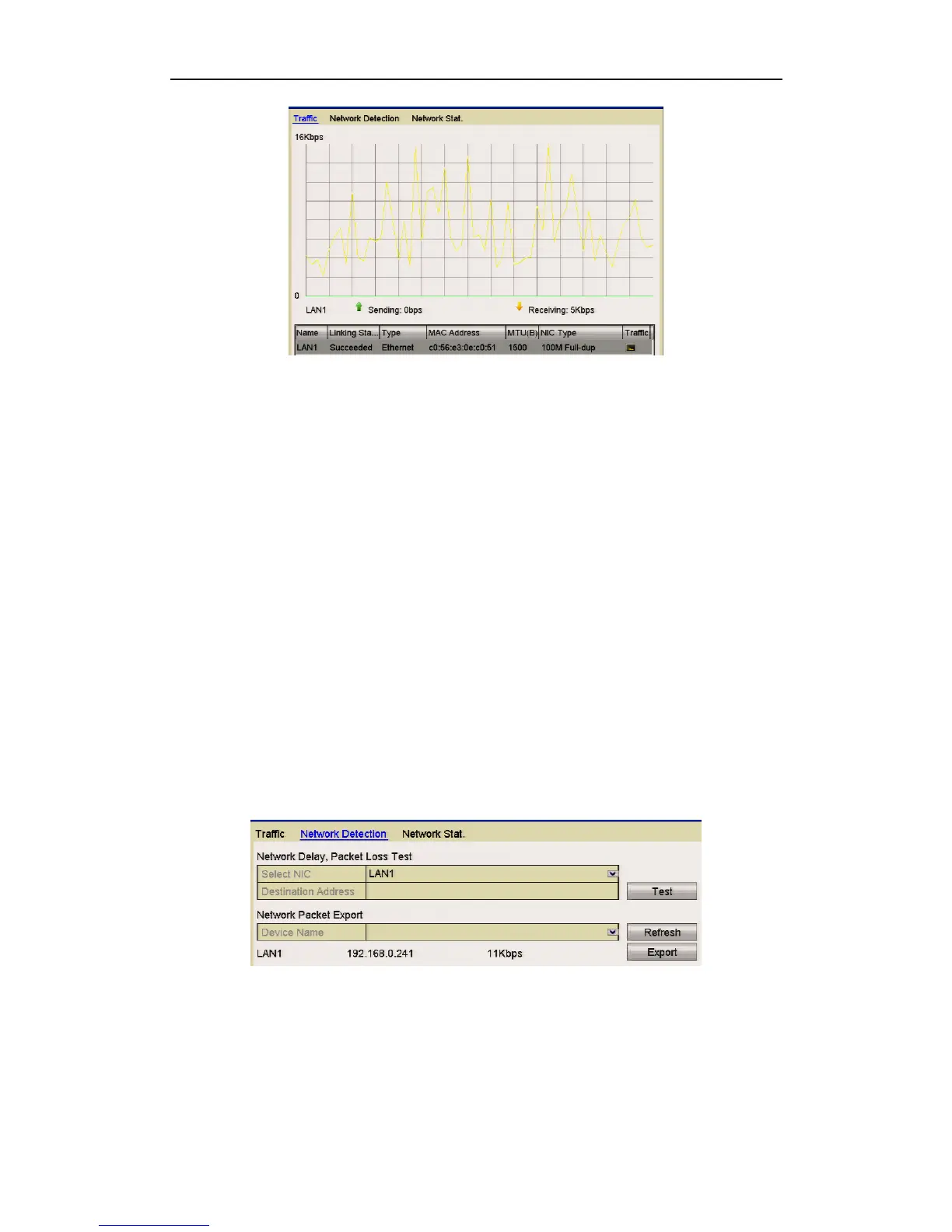
Figure 9.3.1 Network Traffic Interface
2. You can view the transmitting rate and receiving rate information via the
interface. The traffic data is refreshed every 1 second.
9.4 Configuring Network Detection
Purpose:
You can obtain the network connection status of DVR through the network detection
function, including network delay, packet loss, etc.
9.4.1 Testing Network Delay and Packet Loss
Steps:
1. Enter the Network Traffic interface.
Menu > Tools > Net Detect
2. Click the Network Detection tab to enter the Network Detection menu.
Figure 9.4.1.1 Network Detection Interface
3. Select a NIC to test network delay and packet loss.
4. Enter the destination address in the text field of Destination Address.
5. Click the Test button to start testing network delay and packet loss.



 To Next Page